What is AutomatedPin?
AutomatedPin is a Pinterest automation platform. Connect your Pinterest account once and schedule pins — with AI-written titles, descriptions and pin designs — to publish automatically, on your own timeline.
How does Pinterest pin scheduling work?
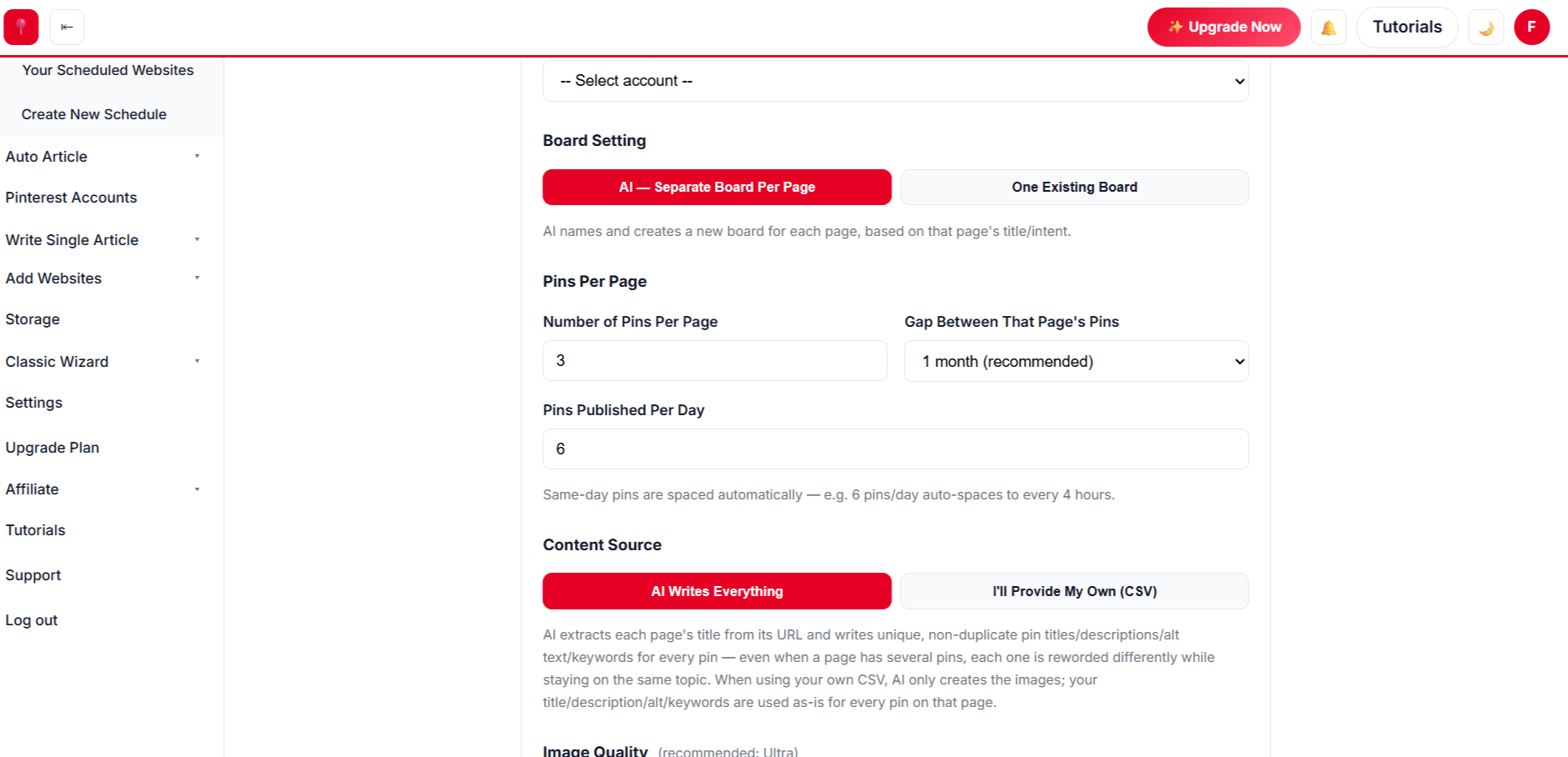
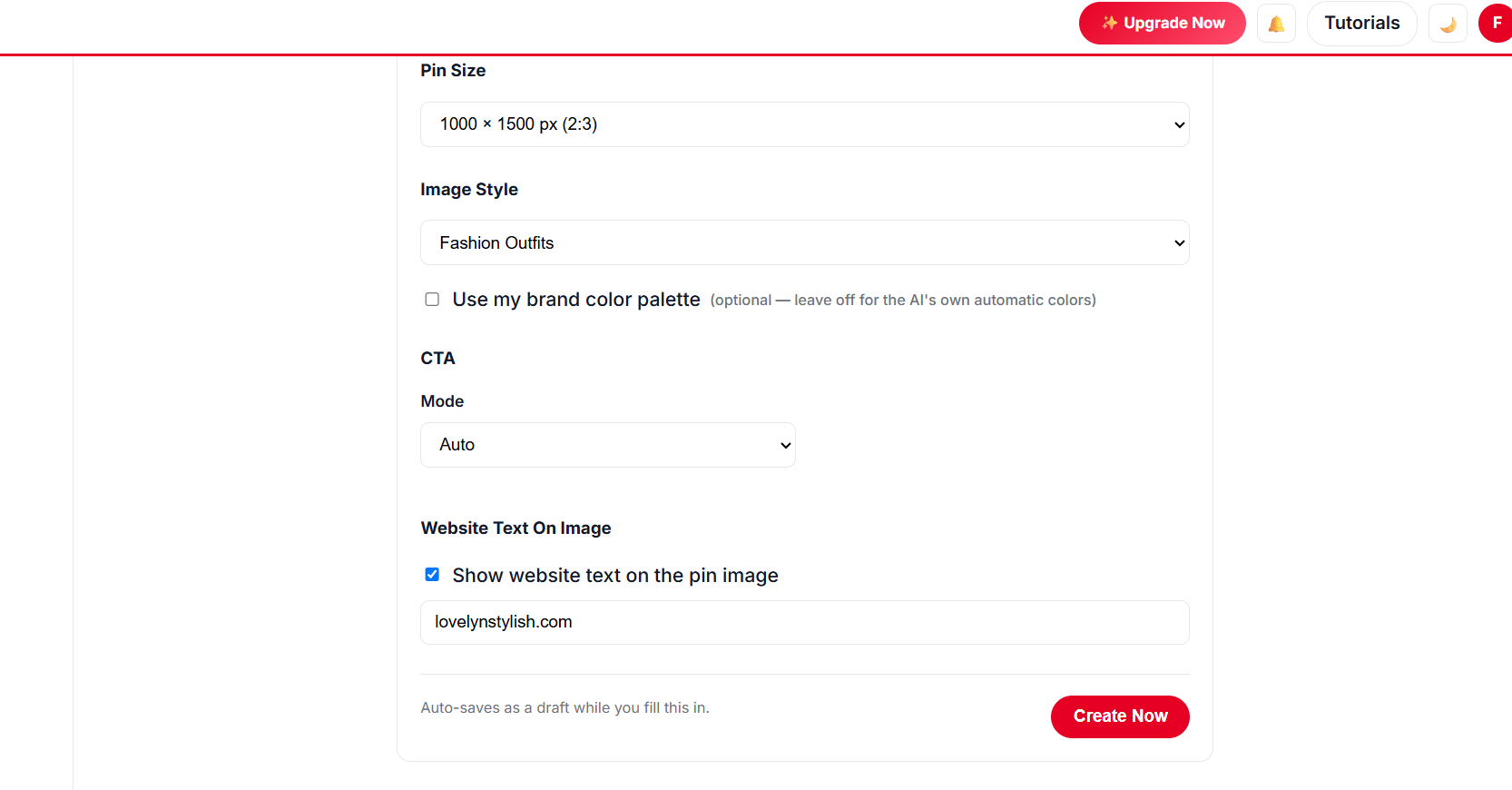
Scan your website, choose your pages, pick a design and a publishing pace, and approve. Our scheduler runs in the background and publishes each pin exactly when it is due.
Is it safe to connect my Pinterest account?
Yes — you connect through Pinterest’s official login (OAuth). We never see or store your Pinterest password, and you can disconnect at any time.
Do I need my own Pinterest developer API access?
No. Just click “Connect Pinterest” and authorize your own account.
How many pin templates are there?
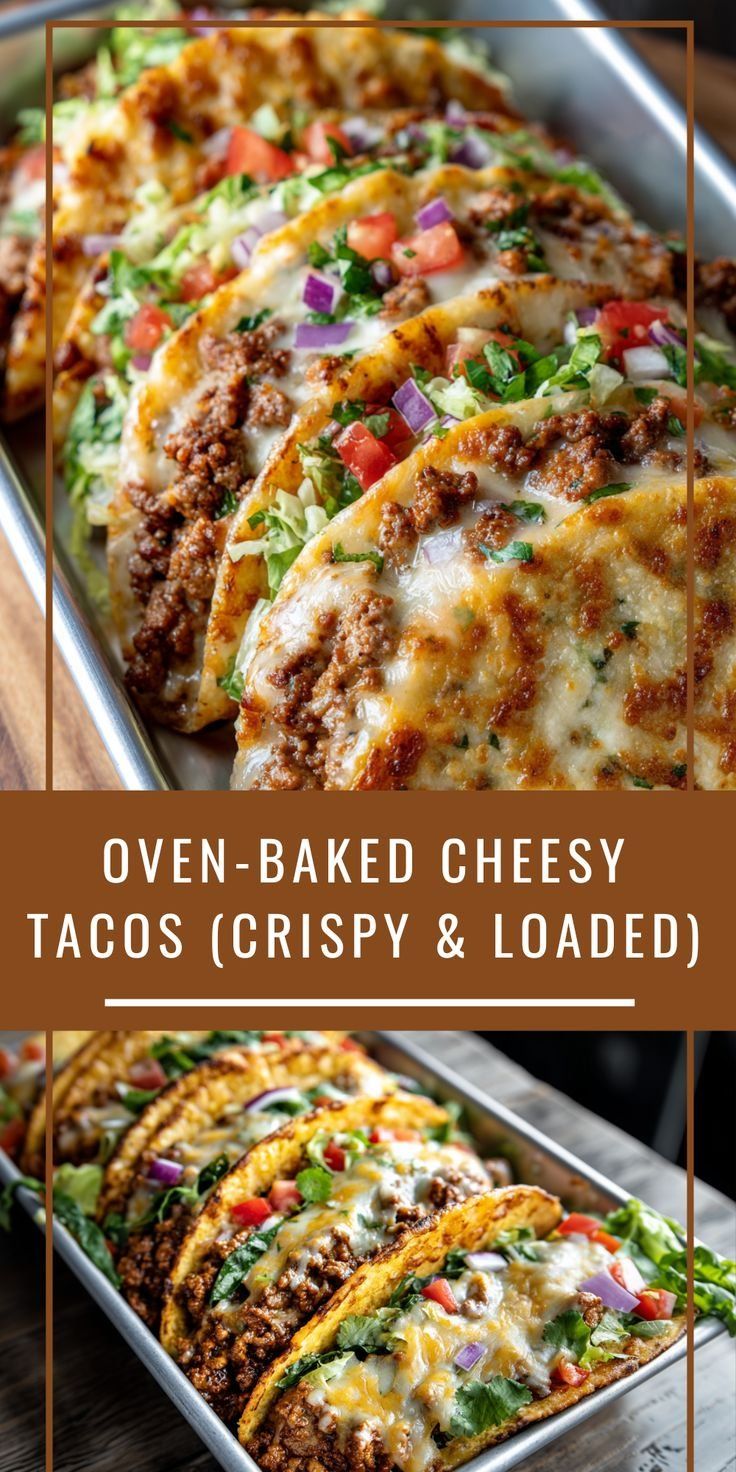
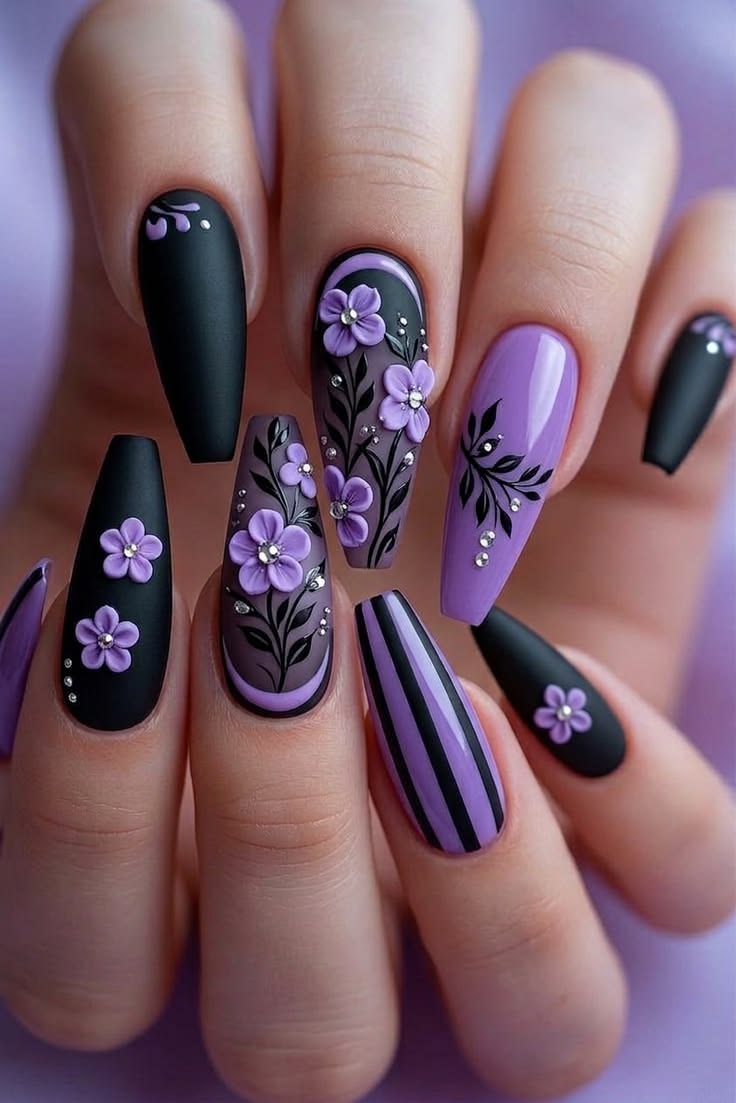
Unlimited. You get 500+ AI pin templates and styles, unlimited colour palettes and fonts, and a free Canva-style design editor with thousands of premium designs — no Canva Pro subscription needed.
Is AutomatedPin a free Canva alternative for Pinterest?
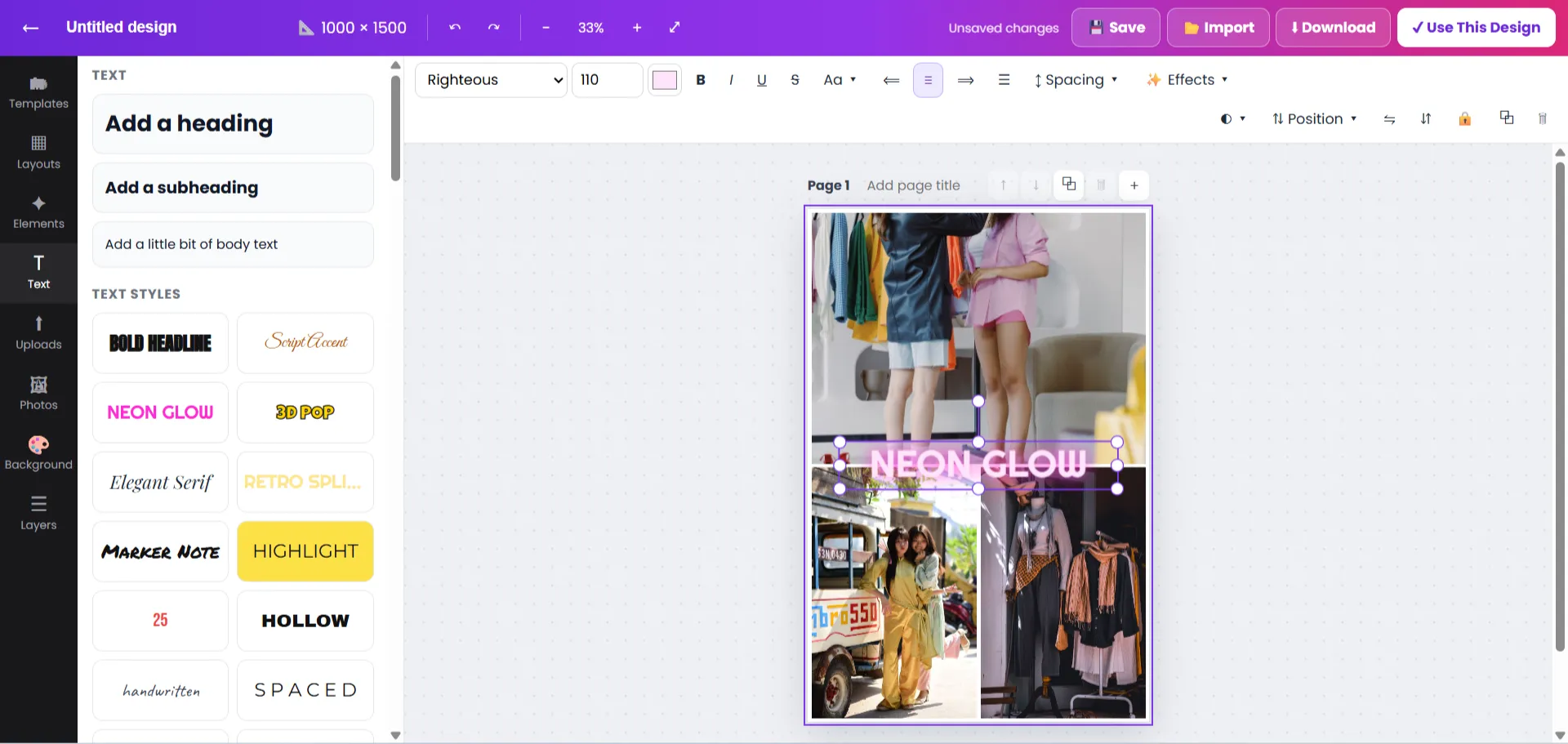
Yes. The built-in design editor has the drag-and-drop tools you know from Canva — templates, fonts, text effects, frames, shapes, photos, resize and PNG/JPG/PDF/SVG download — and every premium feature is free. Finished designs go straight into your pin scheduler.
Can I see which templates and colours perform best?
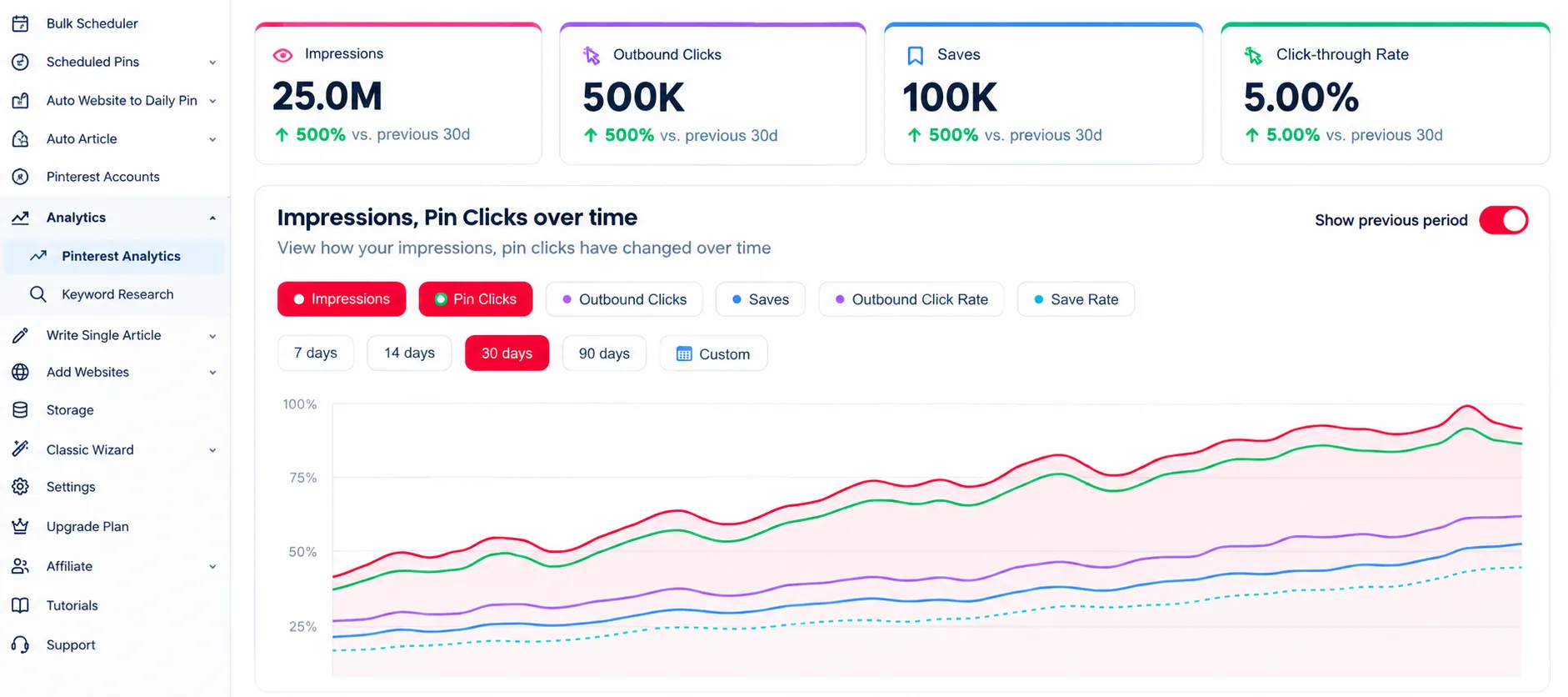
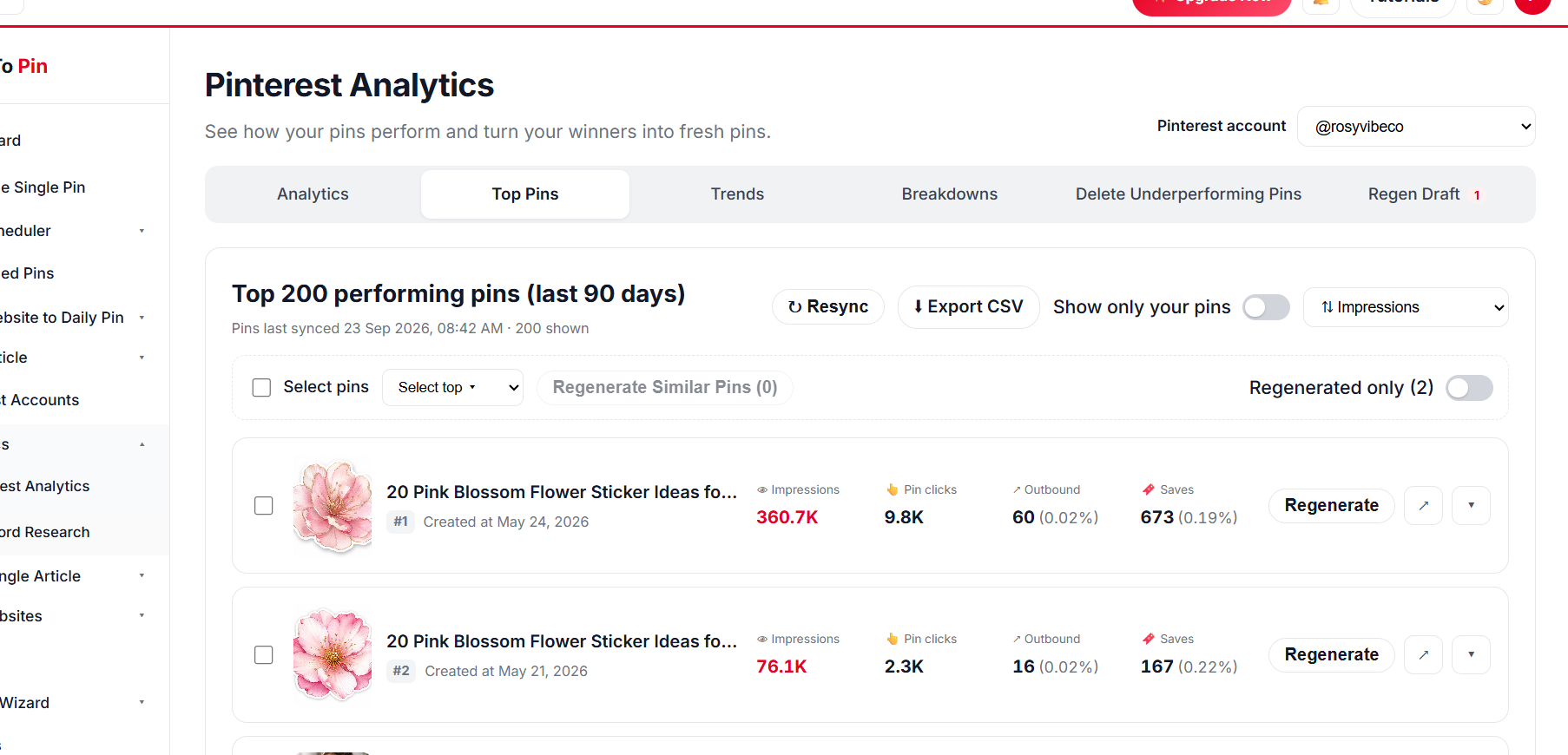
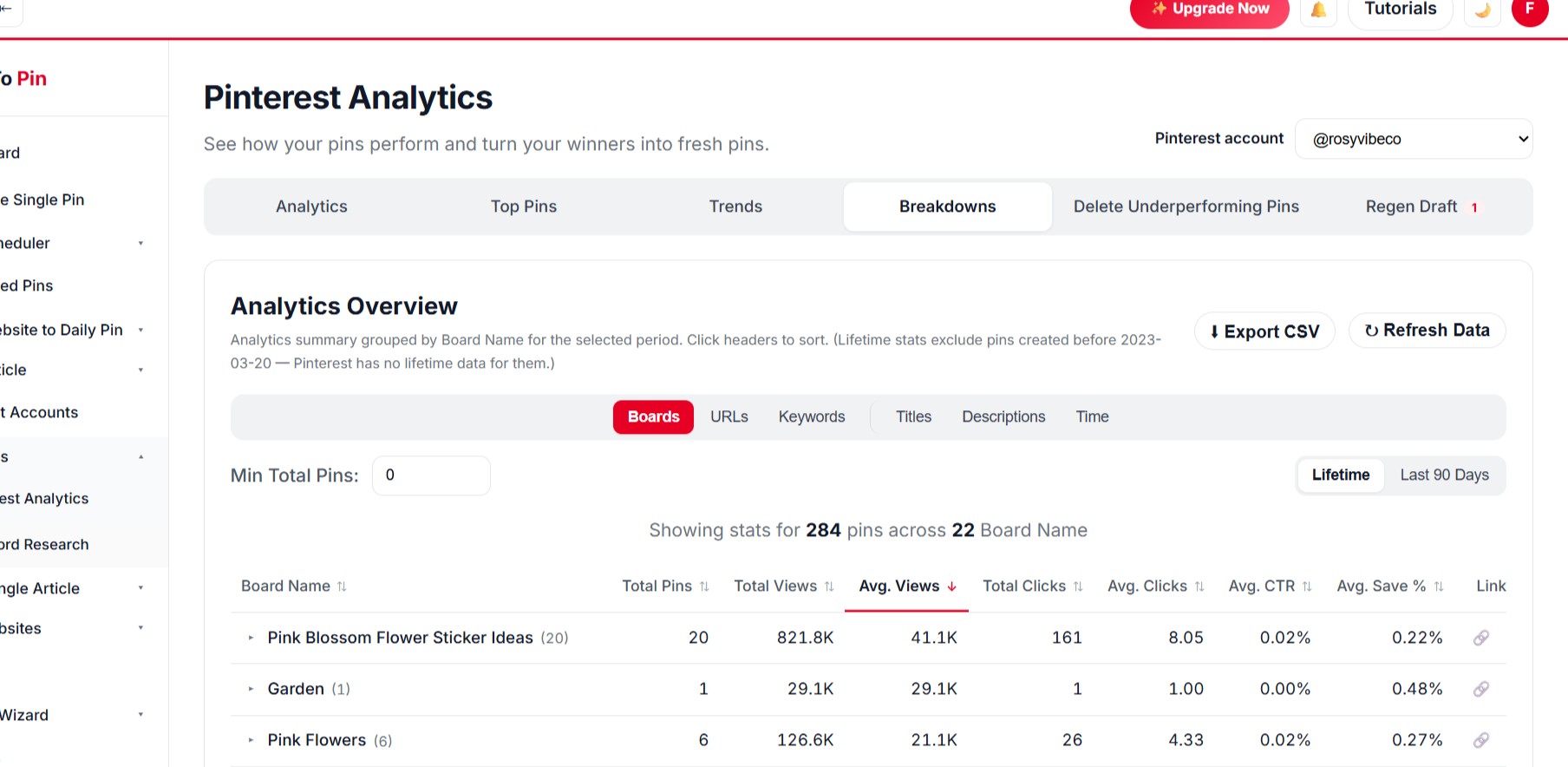
Yes. Template Tracking shows views, clicks, CTR and save rate for every template you use, and colour stats show which main pin colours get the most saves and clicks — so your next pins use what already works.
Can I schedule pins to hundreds of pages at once?
Yes — add your website, let it scan your sitemap, select hundreds of pages and schedule several pins for each in a single run.
Does it write pin titles and descriptions automatically?
Yes. AI writes a unique title, description, alt text and keywords for every pin from the page content. You can edit anything before approving.
How does AI choose or create a board?
AI matches each page to the closest board on your account, or creates a new, well-named board if none fits.
Is it safe for a new Pinterest account?
Yes. The new-account warm-up grows your pace from 1 pin a day in month one to 20 a day by month five, and the time between pins is set automatically.
Can AI create pins for hundreds of pages in 1 click?
Yes. Scan your site, select hundreds of pages and approve once — AI designs the pin images from your own photos, writes the copy, picks the boards and schedules everything.
Can AI write and publish blog posts for me?
Yes, on plans that include Auto Blog. Paste a list of titles (or competitor links that AI rewrites into your own titles); AI writes each article with images, publishes to your WordPress, Shopify, Wix or custom site at your daily pace, and schedules pins for every post.
Are pin templates really unlimited?
Yes. 500+ pin templates and styles, unlimited colour palettes and fonts, plus a free design editor for your own layouts — AI mixes them per page, so every pin can look different.
What is Bulk Pin Scheduler?
Bulk Pin Scheduler lets you paste a list of titles or links, generate pins for each, and queue them all in one pass.
What is Auto Blog and Auto Pin?
On plans that include it, AI writes and publishes articles to your website and pins them to Pinterest on a daily schedule — no manual input after setup.
Can I use my own images?
Yes. Pins use the photos from your own pages, and you can upload a different image for any pin before it is scheduled.
Does it work with WordPress, Shopify, WooCommerce and Etsy?
Yes — any site with public pages works. Sitemaps from WordPress, Shopify and WooCommerce are read automatically, and single pages can be pasted in too.
Is there a free plan or free tools?
Yes. Create a free account to get started, and use the free Pin Maker and Create Pin tools with no sign-up at all.
Do free pins have a watermark?
Pins from the no-login Create Pin tool carry a small watermark. A free account removes it and gives you the original file.
Can I invite team members?
Yes. Team Management lets you invite people by email to share your account’s resources without sharing your login.
Can I cancel anytime?
Yes, upgrade, downgrade or cancel from your billing settings at any time — no long-term contract.
What happens if a pin fails to publish?
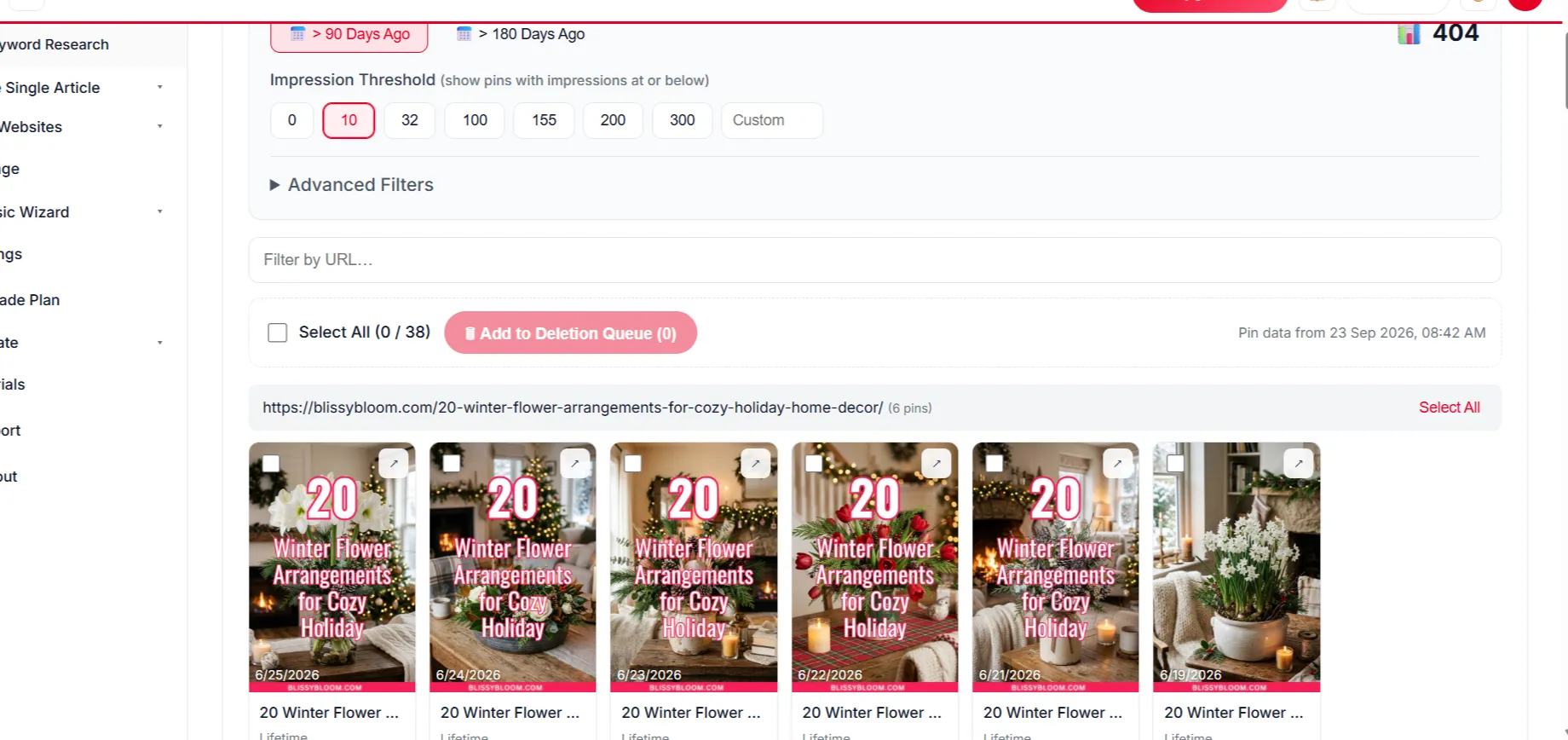
Failed pins are logged with the reason and retried; you can see queued, upcoming and failed pins in your scheduler.