πŸ›’ Made for WooCommerce Stores

Pinterest Automation for WooCommerce
Every Product, Pinned

Your WooCommerce catalog already has everything Pinterest needs β€” product photos, names and details. We turn each product page into scheduled pins that bring shoppers back to your store.

  • πŸ—ΊοΈ Reads Your Product Sitemap (Yoast, Rank Math or WordPress)
  • πŸ–ΌοΈ Uses Your Real Product and Gallery Photos
  • πŸ€– AI Writes Pin Titles, Descriptions, Alt Text & Keywords
  • πŸ“… Schedules Months of Product Pins in One Run
  • πŸ”Œ No Plugin Needed on Your Store
⚑ Hundreds of pages β†’ pins in 1 click ✍️ AI Auto Blog + auto pins ♾️ Unlimited AI pin designs

Free to start Β· No credit card needed Β· Official Pinterest API

⚑

AI Auto-Creates Pin Images for Hundreds of Products β€” in 1 Click

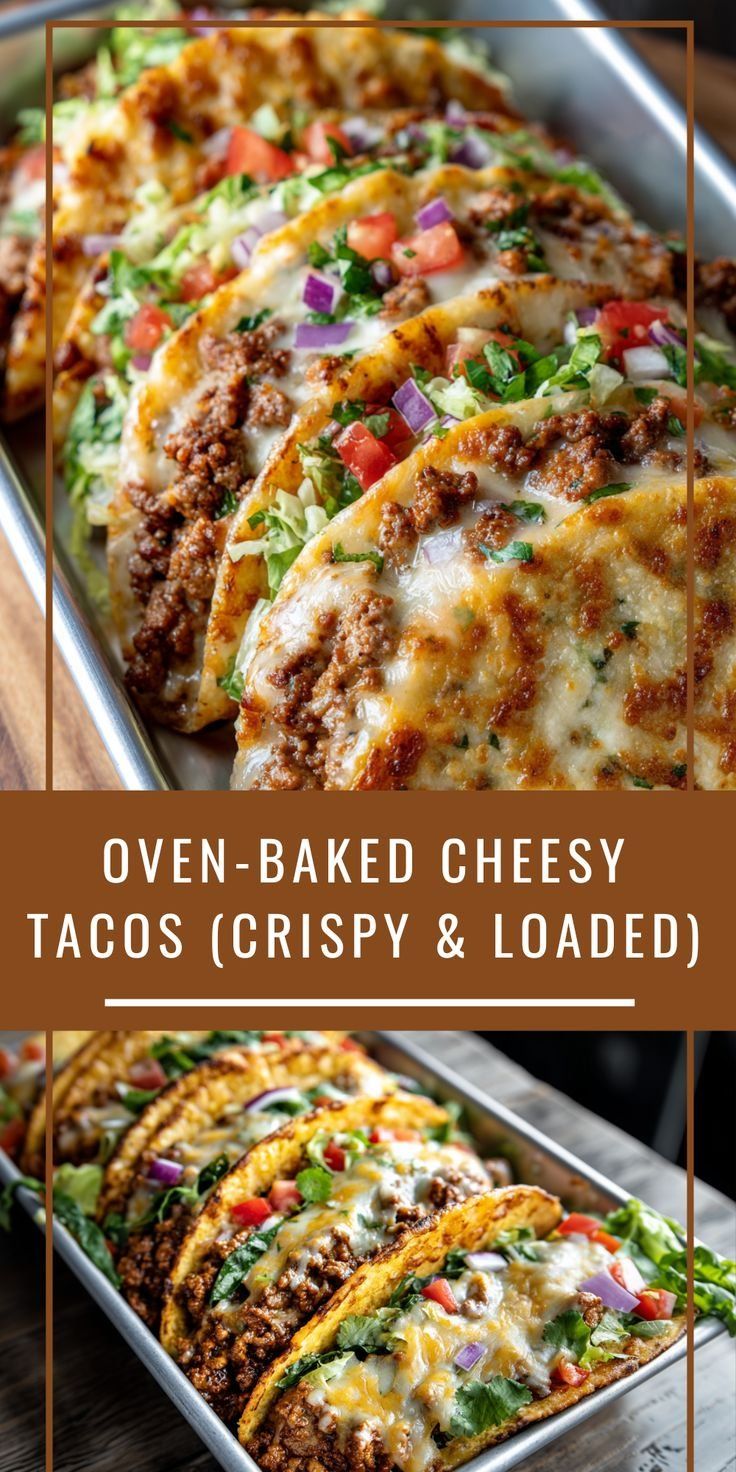
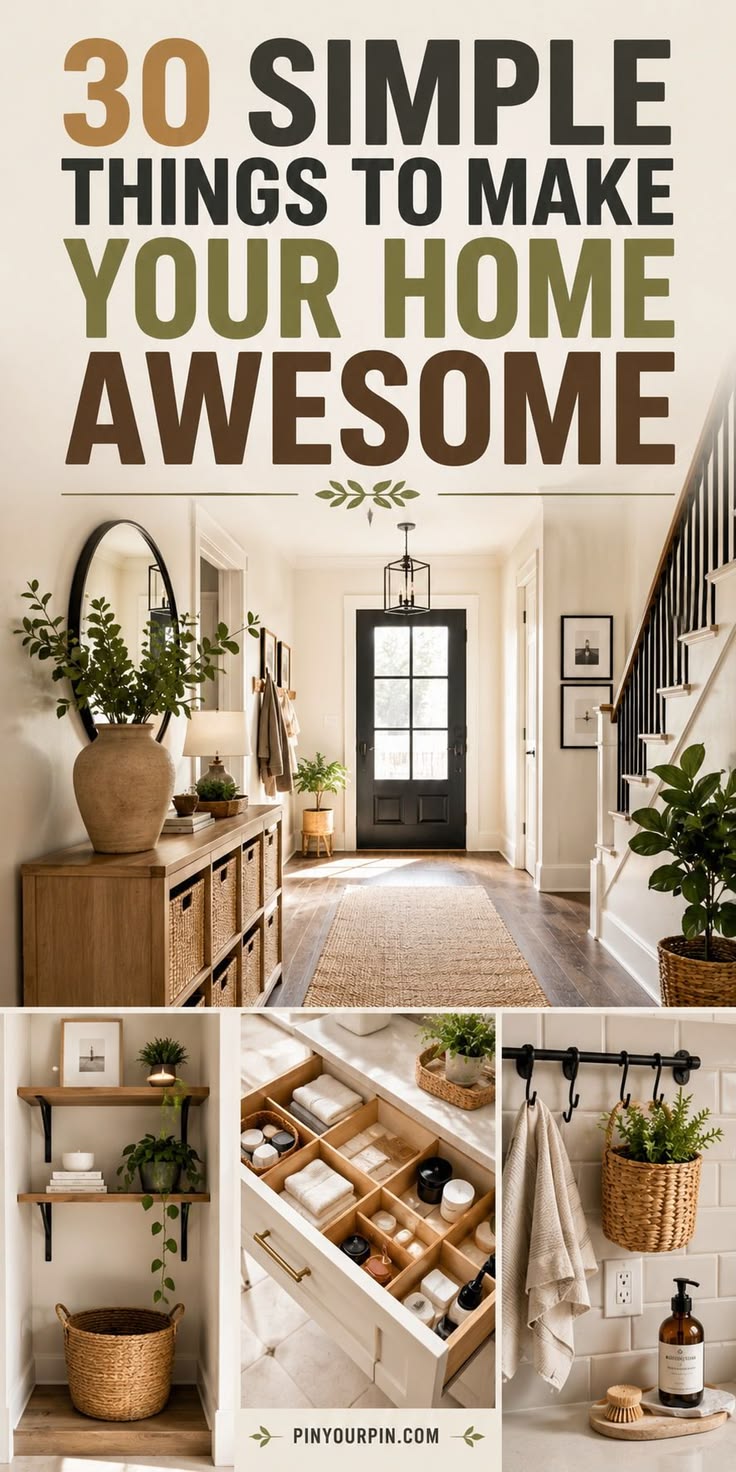
Select hundreds of products at once. AI designs every pin from your own photos, writes the title, description, alt text and keywords, picks the board and schedules it all.

Create a free account β†’
✍️

AI Auto Blog: Create, Publish & Pin

Paste a list of titles. AI writes each article with images, publishes it to your site on a daily schedule, and schedules pins for every post automatically.
Sign up free to auto blog β†’
♾️

Unlimited AI Pin Designs

Unlimited templates, colour palettes and fonts, plus a free Canva-style design editor with every premium feature β€” AI picks the best look for every page, so no two pins look the same.

Get started free β†’
πŸ“ˆ Build real growth⏱️ Save hours every weekπŸ” Runs on autopilotβœ… Official Pinterest API

Try It on a WooCommerce Product Page

Paste one product link and see ready-to-post pins made from your own product photos.

3 free generations Β· Unlimited templates Β· No sign-up needed
WooCommerce product pinsProduct category pinsVariable productsSale itemsGift guidesNew arrivalsDigital downloadsBundlesSeasonal collectionsBest sellersWooCommerce product pinsProduct category pinsVariable productsSale itemsGift guidesNew arrivalsDigital downloadsBundlesSeasonal collectionsBest sellers
// SEE THE RESULTS

See the Results: A Catalog That Markets Itself

Most WooCommerce stores have hundreds of product pages nobody promotes. Pinned regularly, each one becomes a small, steady source of visitors.

0+ premium pin templates
0% free design editor, no Canva Pro
0x more traffic, up to
0/day pins at full pace
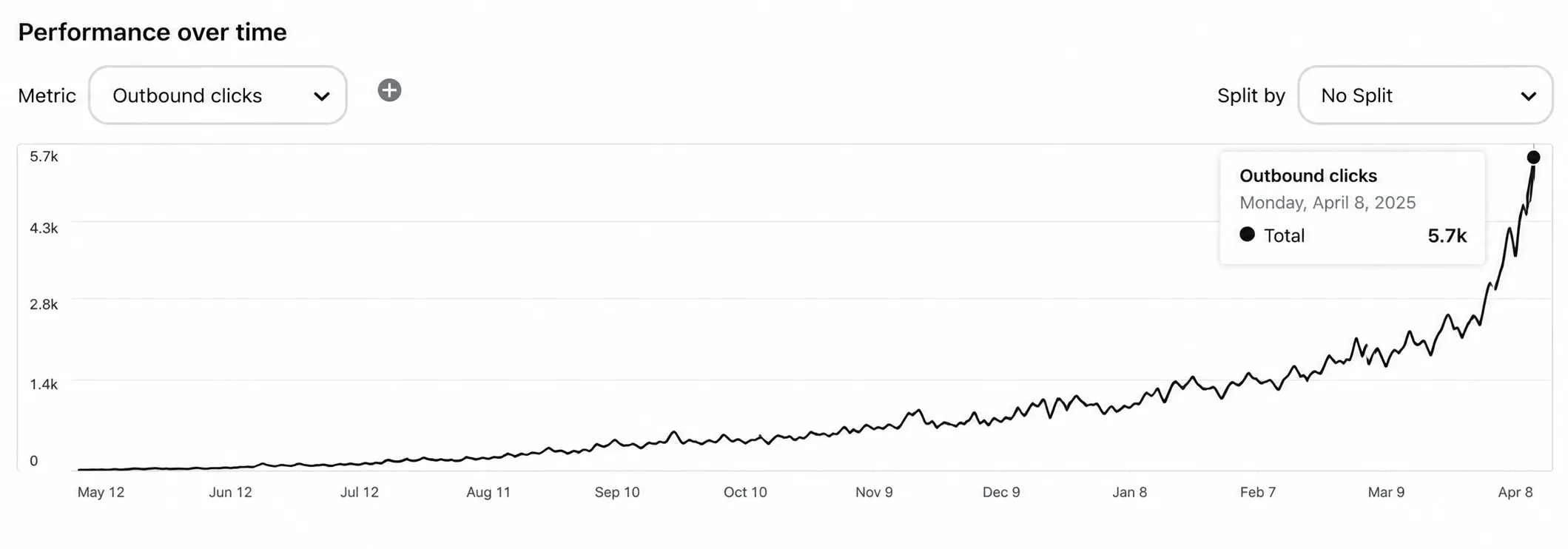
Pinterest traffic growth for a WooCommerce store

Illustrative growth curve β€” actual results vary by niche, content volume and consistency.

Start Free β†’
Simple 4-Step Process

From WooCommerce to Pinterest in 4 Steps

Paste your store link. We handle the product list, the pin designs, the copy and the posting schedule.

πŸ—ΊοΈ
Step 1 Β· Setup

Scan Your WooCommerce Store

  • βœ“ We read the sitemap your WordPress site already publishes β€” product pages, categories and posts.
  • βœ“ Search by product name or URL and pick what to pin, or select everything.
🎨
Step 2 Β· Design

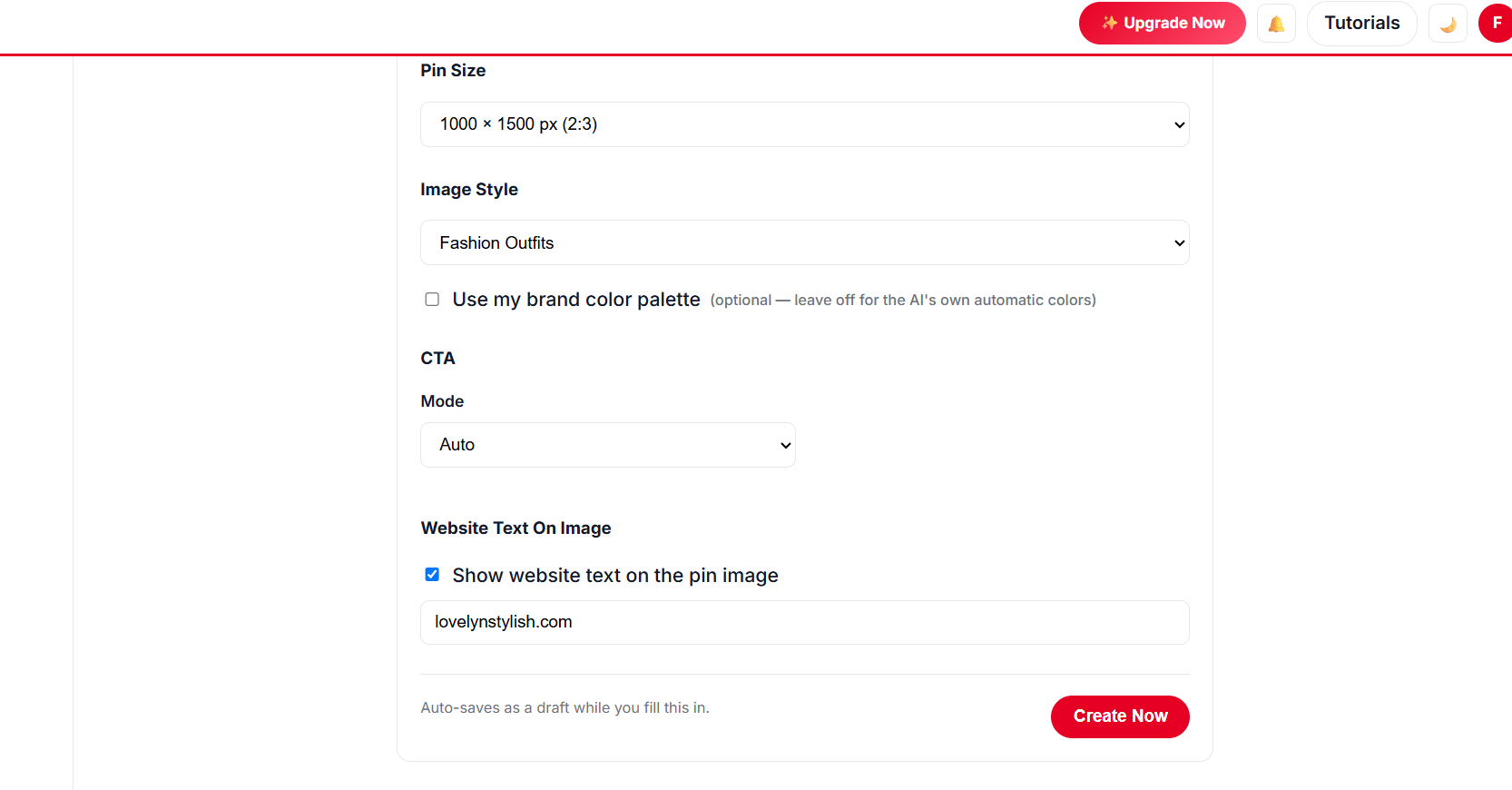
Pick Your Pin Style

  • βœ“ Unlimited templates with a live preview on your own product photos.
  • βœ“ Brand colours, unlimited fonts and a free Canva-style design editor.
  • βœ“ Collage templates show several product photos in one pin.
Choosing templates and colours for WooCommerce product pins
βš™οΈ
Step 3 Β· Schedule

Set How Fast Pins Go Out

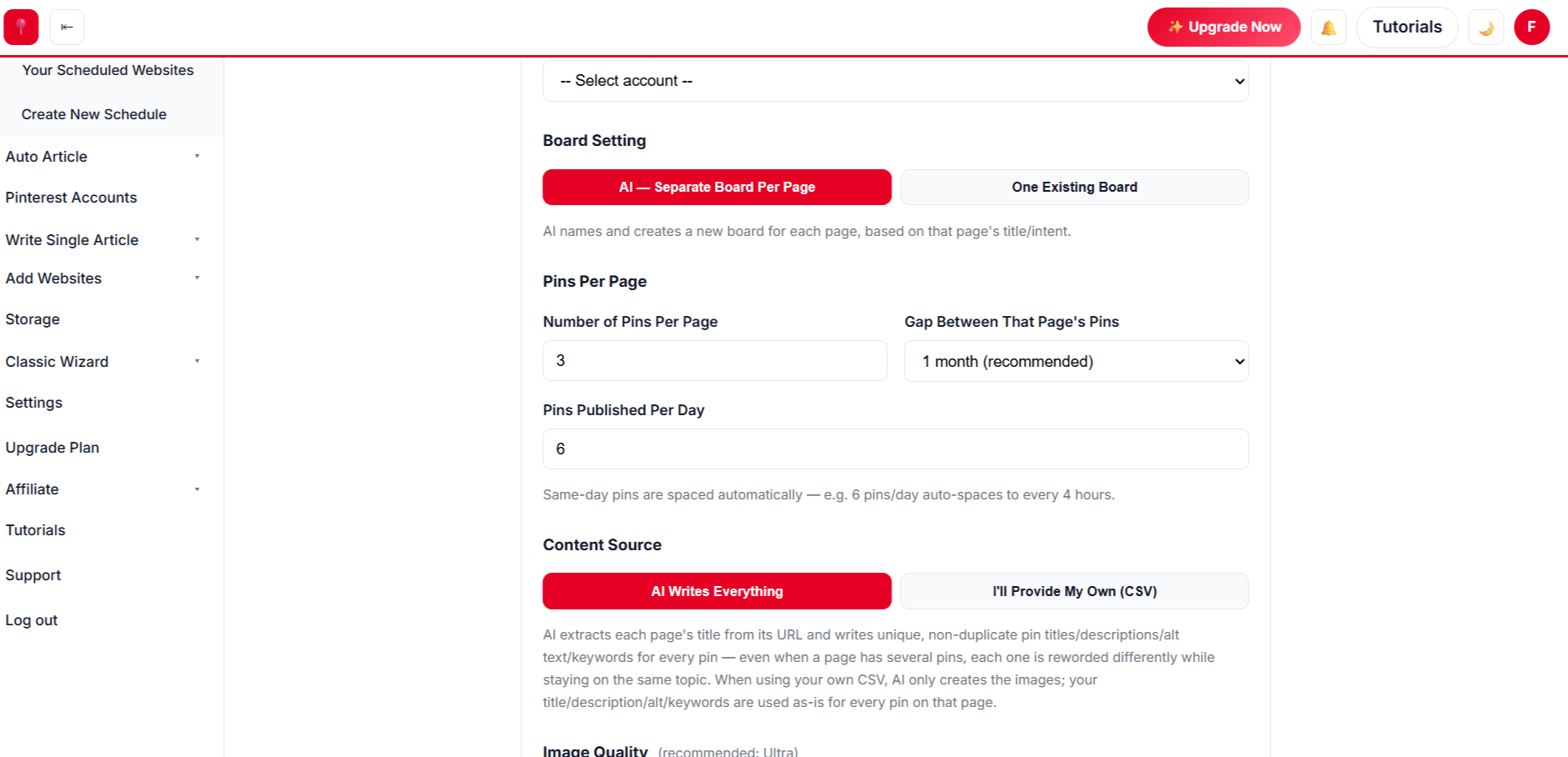
  • βœ“ Fixed pins per day, or a warm-up plan for brand-new Pinterest accounts.
  • βœ“ Several pins per product, spaced a month apart by default.
  • βœ“ Choose boards yourself or let AI place each product.
βœ…
Step 4 Β· Approve

Review and Approve

  • βœ“ Every pin can be edited β€” text, photos, template, board.
  • βœ“ Approve once and the whole batch is scheduled to Pinterest.
Approving AI-designed WooCommerce product pins
// NEW Β· AUTO BLOG + AUTO PIN

Create Hundreds of Blog Posts With Images, Publish Them and Schedule Pins β€” in 1 Click

Give AI a list of titles for your WooCommerce store. It writes every article with images, publishes to your website at the pace you choose, and schedules Pinterest pins for each post β€” all in the background.

Sign Up Free & Start Auto Blogging β†’ Auto Blog is available on plans that include it β€” see pricing below.
// BUILT AROUND WOOCOMMERCE

Why WooCommerce Stores Automate Pinterest

WordPress gives you control of your store. We give you a hands-off way to promote it on Pinterest.

πŸ”Œ

Nothing to install

No plugin, no code, no API keys. We read your public product pages like a shopper would.

πŸ—ΊοΈ

Works with your sitemap

Yoast, Rank Math, All in One and the built-in WordPress sitemap are all supported.

🧩

Any theme, any builder

Storefront, Astra, Flatsome, Elementor β€” if the product page shows photos, we can pin it.

🏷️

Categories and tags too

Pin category pages and buying guides alongside single products.

πŸ“

Blog + shop in one place

Pin your WordPress blog posts and your products from the same dashboard.

🧠

AI that reads the product

Titles and descriptions are written from the product page β€” not a generic template.

// PINTEREST PLAYBOOK

How to Get WooCommerce Sales from Pinterest

A practical routine that works for small and large catalogs.

Put It on Autopilot β†’
  1. 1

    Give every product at least three pins

    Different photo, different headline, spaced weeks apart. Each pin reaches different searchers.

  2. 2

    Make product photos pin-friendly

    Clean, well-lit images at least 600px wide work best. Very small or banner images are skipped automatically.
  3. 3

    Use category pages for broad searches

    A β€œMinimalist Wall Clocks” category pin catches people who aren’t looking for one specific product yet.

  4. 4

    Link blog posts to products

    Pin your how-to and gift-guide posts too β€” they warm up buyers before they reach the product.

  5. 5

    Keep a steady daily pace

    Consistency beats bursts. A few pins every day for months grows traffic more than 100 pins in one day.

// MANUAL VS AUTOMATED

Manual Pins vs Automated WooCommerce Pins

TaskDoing it by handWith AutomatedPin
Getting the product listβœ• Copy links one by oneβœ“ Read from your sitemap in seconds
Making pin imagesβœ• Design each in Canvaβœ“ AI-designed from your product photos
Pin copyβœ• Write every title and descriptionβœ“ Written by AI, editable
Postingβœ• Log in and post dailyβœ“ Scheduled automatically
Store changesβœ• Plugins, code, API keysβœ“ Nothing to install
// DATA-DRIVEN GROWTH

See Which WooCommerce Products Pinterest Loves

Find the products and pin styles that bring clicks, then give them more pins.

Up to 5x more traffic
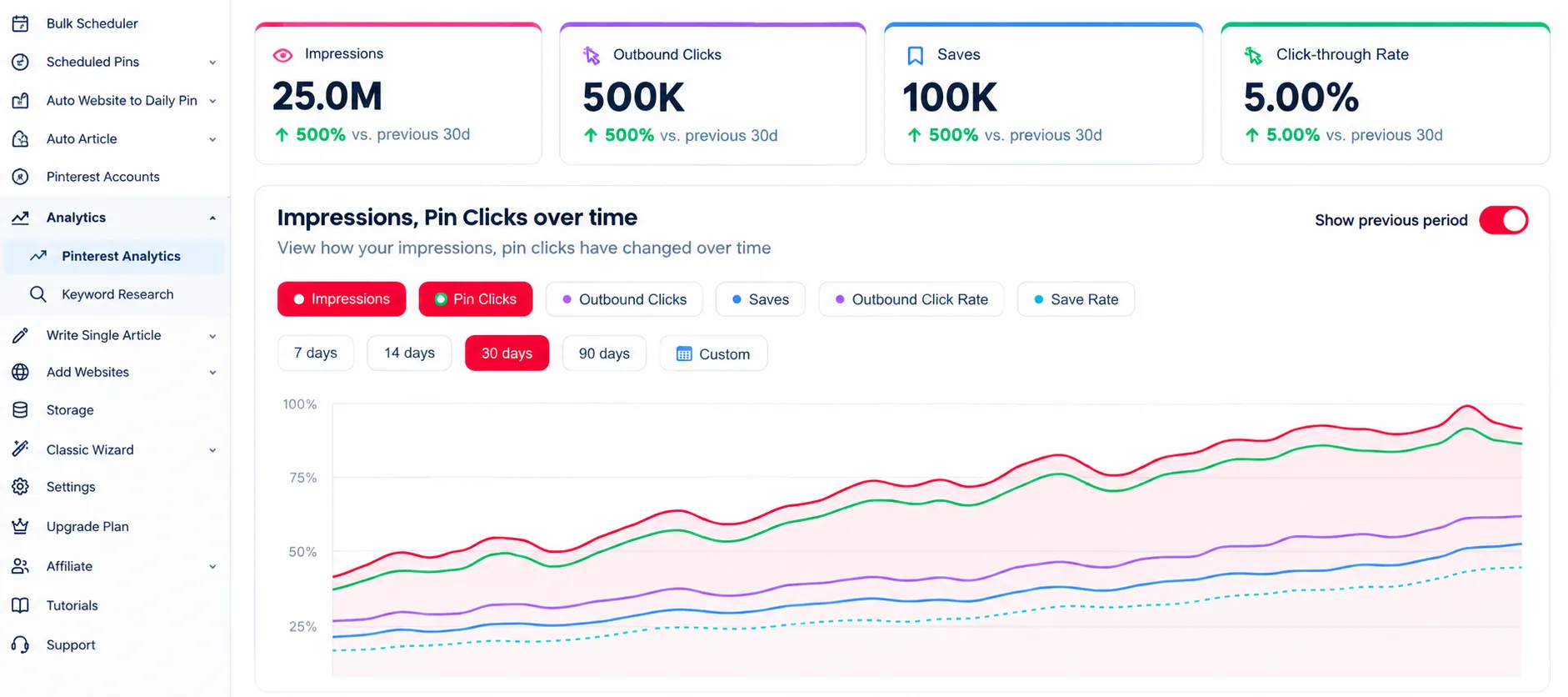
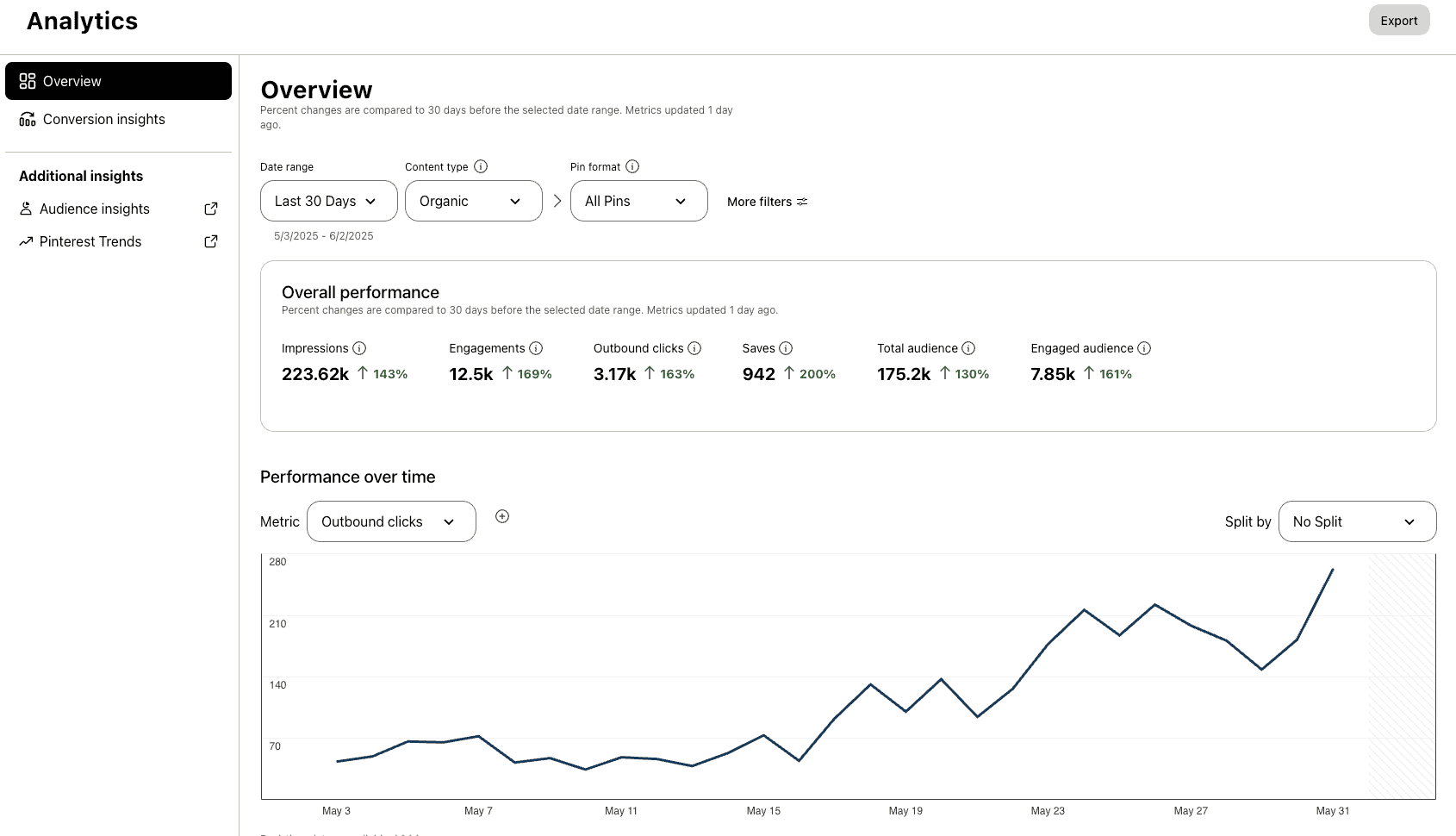
Pinterest analytics for a WooCommerce store

Analytics

Track clicks and impressions for every product pin.

47% higher engagement
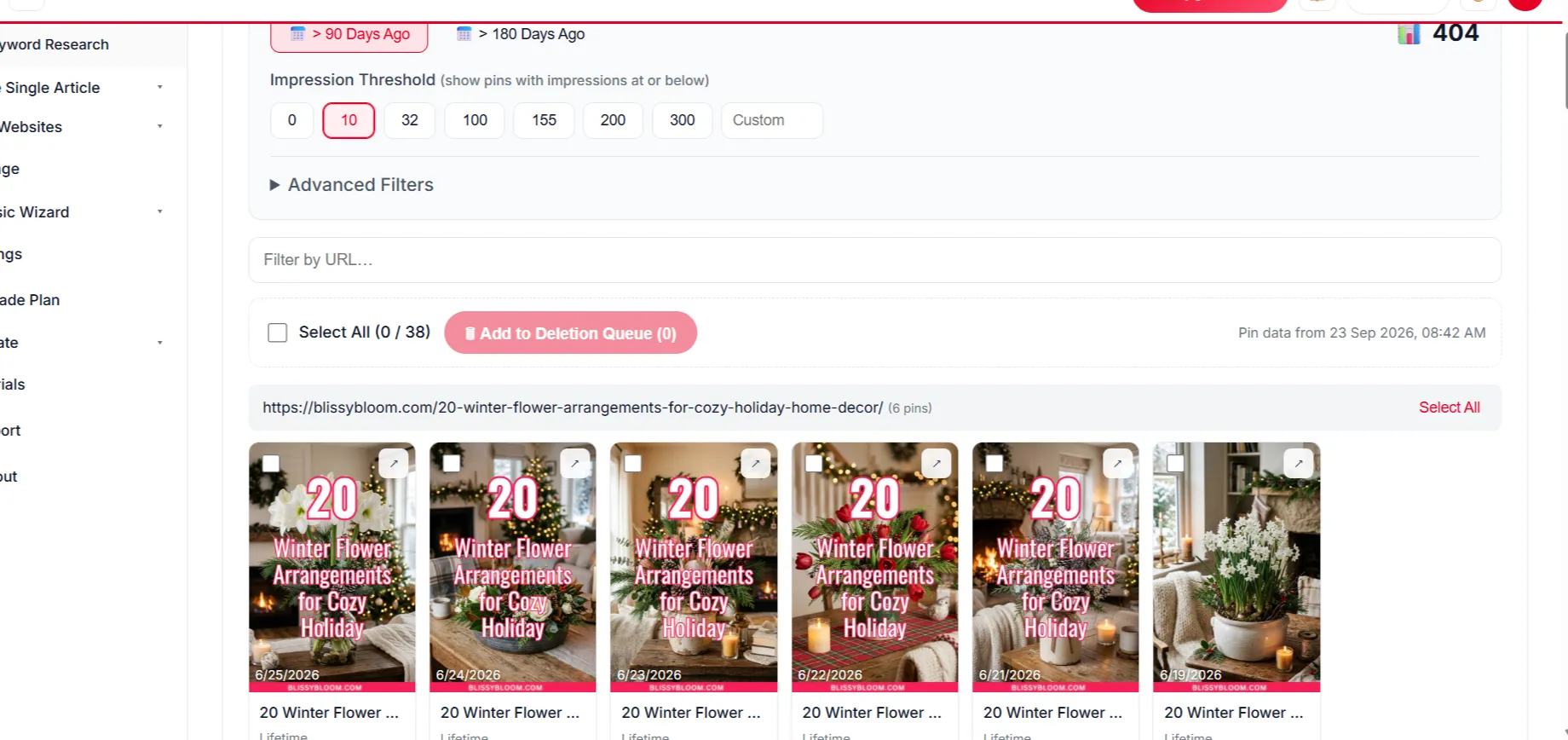
Removing low-performing WooCommerce pins

Delete Underperforming Pins

Clear out pins that don’t perform so your account stays strong.

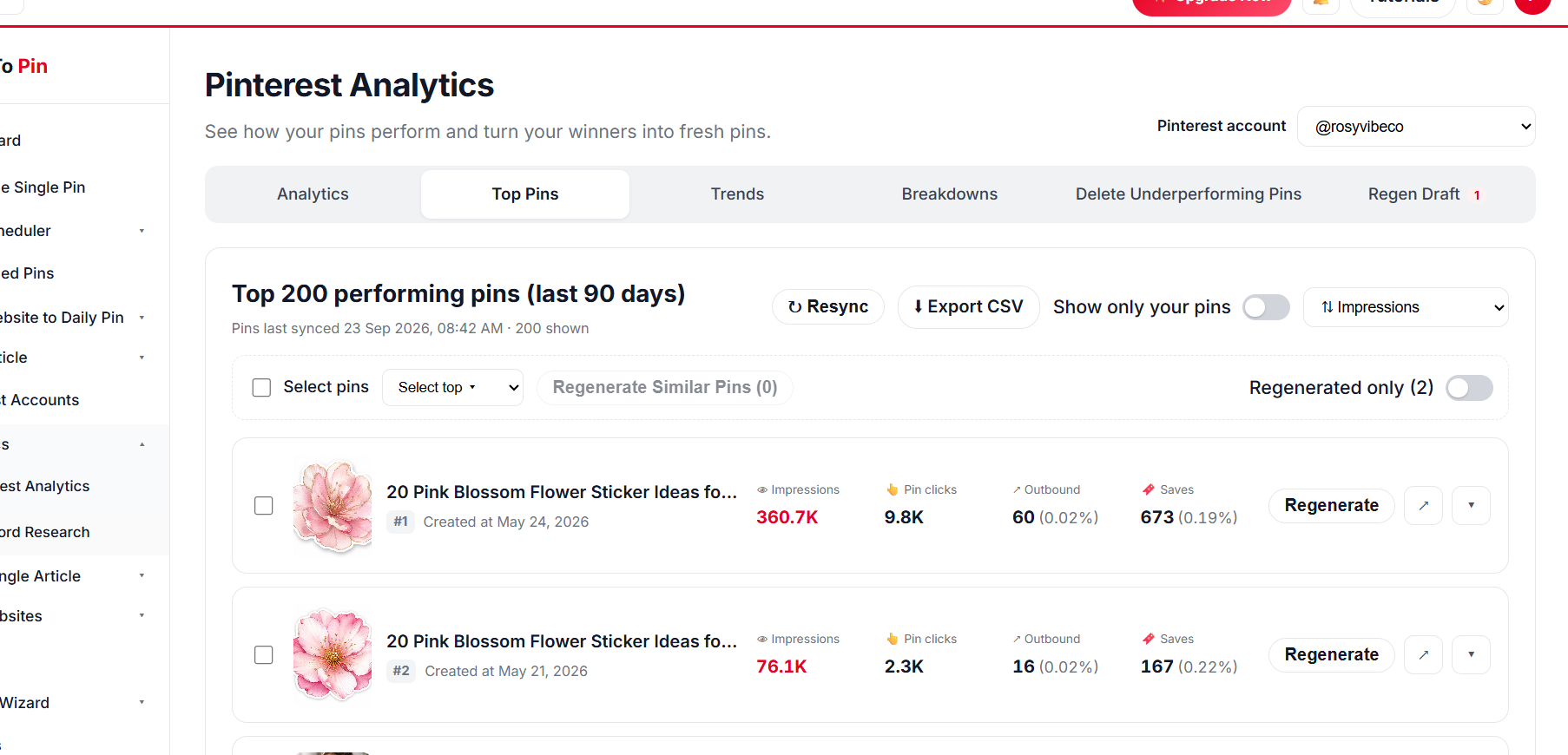
Top WooCommerce product pins

Top Pin Performance

Spot your top products on Pinterest at a glance.

WooCommerce pin analytics breakdown

Break It Down Any Way You Want

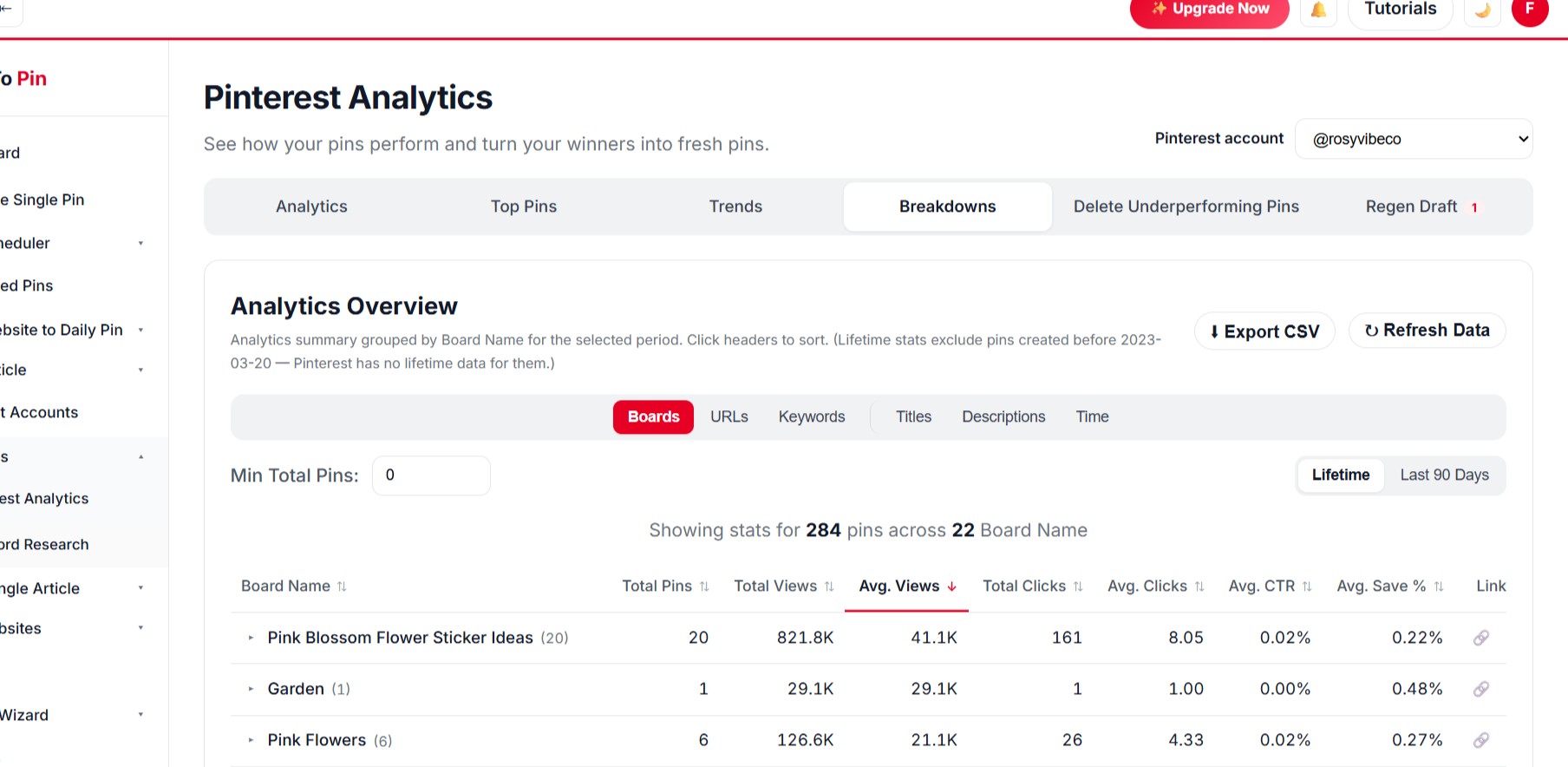
Compare by board, URL, keyword, title, description and time.

BoardsURLsKeywordsTitlesDescriptionsTime
// PRICING FOR WOOCOMMERCE

Start Pinning Your WooCommerce Products for Free

Create a free account and schedule your first products β€” no card needed. Paid plans start at $39/month when you want more pins, Auto Blog and team seats.

What Our Users Say

Emily Carter
Emily Carter
Content Creator
β˜…β˜…β˜…β˜…β˜…
Being able to hand my assistant a login through Team Management, without giving away my own account, was exactly what I needed.
Ahmed Khan
Ahmed Khan
Affiliate Marketer
β˜…β˜…β˜…β˜…β˜…
Every new post I publish gets turned into pins automatically now. It's the closest thing to "set it and forget it" I've found for Pinterest.
Sarah Mitchell
Sarah Mitchell
Lifestyle Blogger
β˜…β˜…β˜…β˜…β˜…
Bulk Pin Scheduler alone saves me hours every week. I paste in a batch of blog links and it writes the titles, descriptions, and even picks the right board β€” I just review and hit schedule.
Daniel Reyes
Daniel Reyes
Owner, Trail & Table
β˜…β˜…β˜…β˜…β˜…
Connected my Pinterest account in under a minute and had pins scheduled for the whole month by lunchtime. Way less fiddly than anything else I've tried.
Emily Carter
Emily Carter
Content Creator
β˜…β˜…β˜…β˜…β˜…
Being able to hand my assistant a login through Team Management, without giving away my own account, was exactly what I needed.
Ahmed Khan
Ahmed Khan
Affiliate Marketer
β˜…β˜…β˜…β˜…β˜…
Every new post I publish gets turned into pins automatically now. It's the closest thing to "set it and forget it" I've found for Pinterest.
Sarah Mitchell
Sarah Mitchell
Lifestyle Blogger
β˜…β˜…β˜…β˜…β˜…
Bulk Pin Scheduler alone saves me hours every week. I paste in a batch of blog links and it writes the titles, descriptions, and even picks the right board β€” I just review and hit schedule.
Daniel Reyes
Daniel Reyes
Owner, Trail & Table
β˜…β˜…β˜…β˜…β˜…
Connected my Pinterest account in under a minute and had pins scheduled for the whole month by lunchtime. Way less fiddly than anything else I've tried.

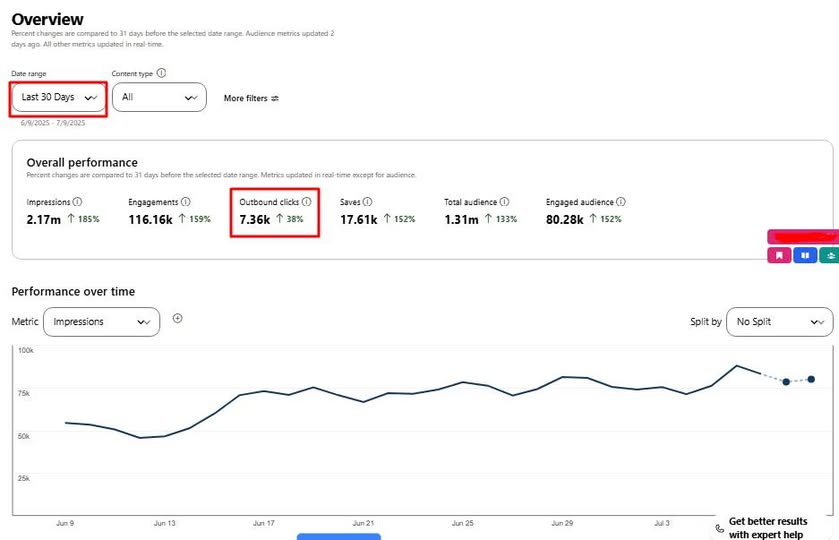
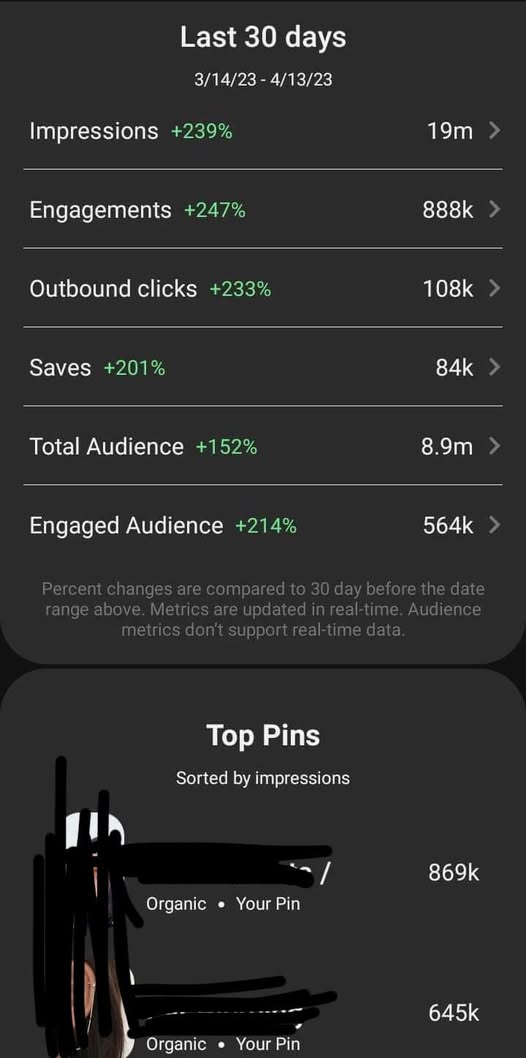
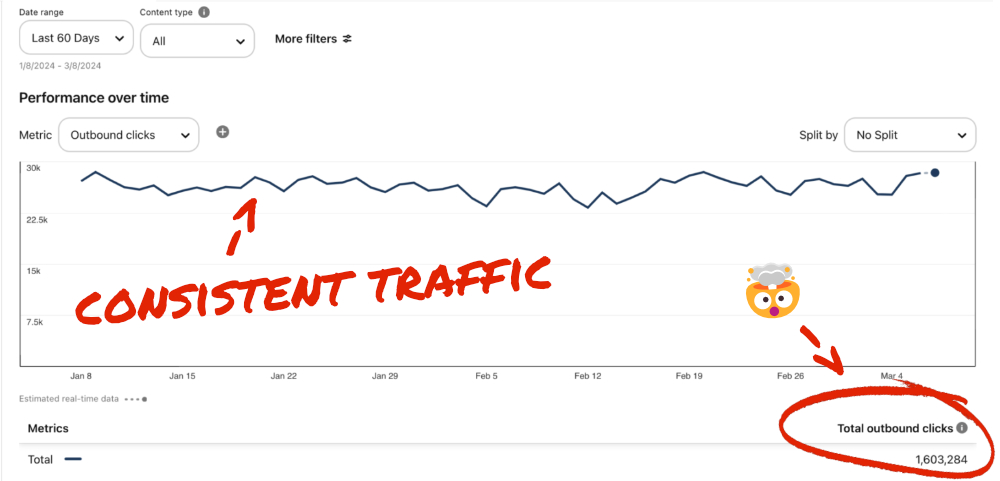
Check Real Results

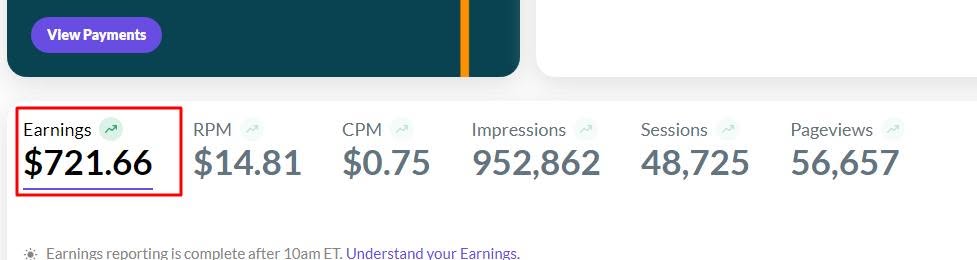
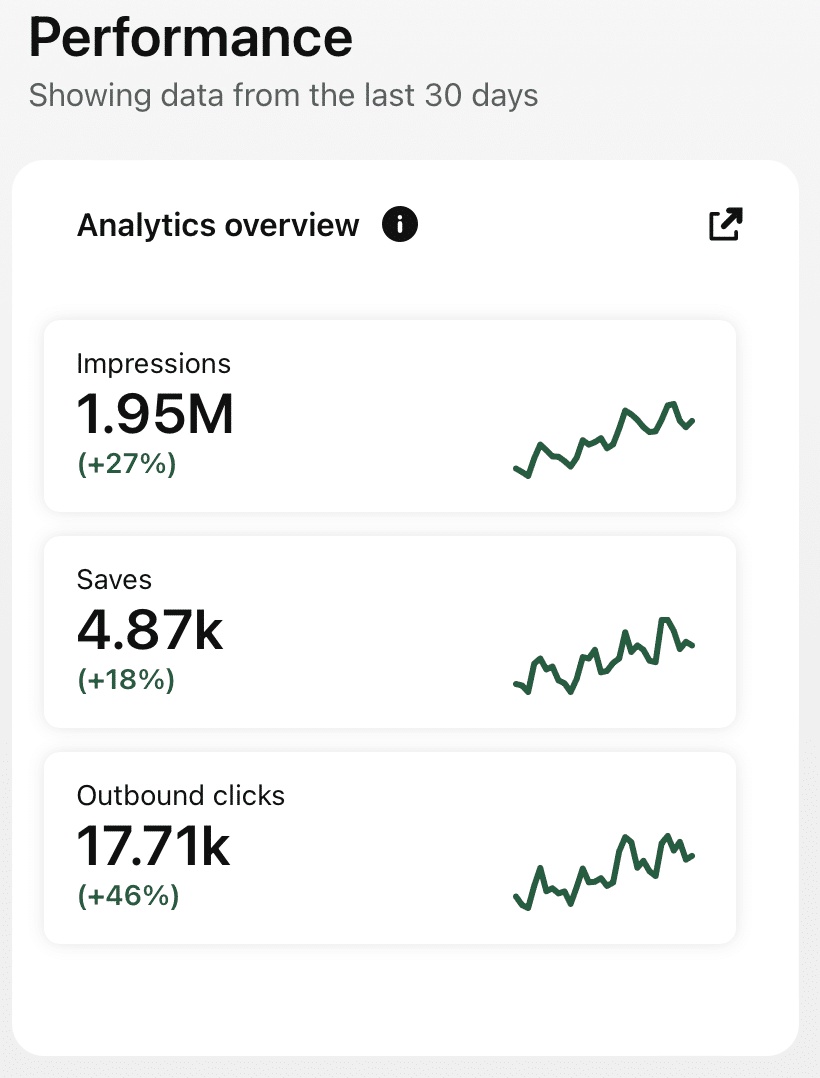
Real Pinterest results screenshot from a AutomatedPin user
// WHO IT'S FOR

Made for WooCommerce store owners

Whether you sell ten products or ten thousand.

Solo shop owners

Stop spending evenings in Canva. Scan the store once and let the pins roll out for months.

Growing WooCommerce brands

Keep every product visible on Pinterest, not just the few you have time to promote.

WordPress agencies

Offer Pinterest marketing to your WooCommerce clients without adding hours to your week.

Your WooCommerce products deserve an audience.

Put them in front of Pinterest shoppers β€” automatically.
Try AutomatedPin Free β†’

WooCommerce + Pinterest β€” FAQ

Do I need to install a WooCommerce plugin?

No. We read your public product pages and your sitemap. Nothing is installed on your WordPress site.

Which sitemaps are supported?

The built-in WordPress sitemap (wp-sitemap.xml) and the sitemaps made by Yoast, Rank Math and similar plugins, including sitemap index files.

Will it pin variable products correctly?

Yes. We use the main product photos and gallery images shown on the product page, and the pin links to that product page.

Can I pin product categories?

Yes. Category, tag and landing pages can be selected just like products.

What happens to small product thumbnails?

Images that are too small or too wide for a pin are skipped automatically, so pins only use photos that look good.

Can I edit pins before they go live?

Yes. Every pin can be edited or removed before you approve the schedule. Unapproved runs stay in Drafts.

Does it work with Pinterest Business accounts?

Yes. You connect with Pinterest’s official login; a Business account is recommended for analytics.

Can I also pin my WordPress blog posts?

Yes. Blog posts and product pages can be pinned from the same scan.

// FREE TOOLS

Free Pinterest Tools β€” No Sign-Up Needed

Try these free tools first, then put everything on autopilot.

Turn your WooCommerce catalog into Pinterest traffic.

Scan your store, pick a look, approve β€” and you’re done for months.