Pinterest Automation for Budget & Frugal Living Blogs Save Time, Grow Traffic
Budget challenges, grocery savings, printable trackers and side-hustle ideas are saved by millions. Turn every money-saving post into bold, clear pins — without spending a dime on a designer.
⚡ Hundreds of pages → pins in 1 click✍️ AI Auto Blog + auto pins♾️ Unlimited AI pin designs
Free to start · No credit card needed · Official Pinterest API
💰 Tip pinned
💾 Saved to Save Money
📈 Visits up
⚡
AI Auto-Creates Pin Images for Hundreds of Posts — in 1 Click
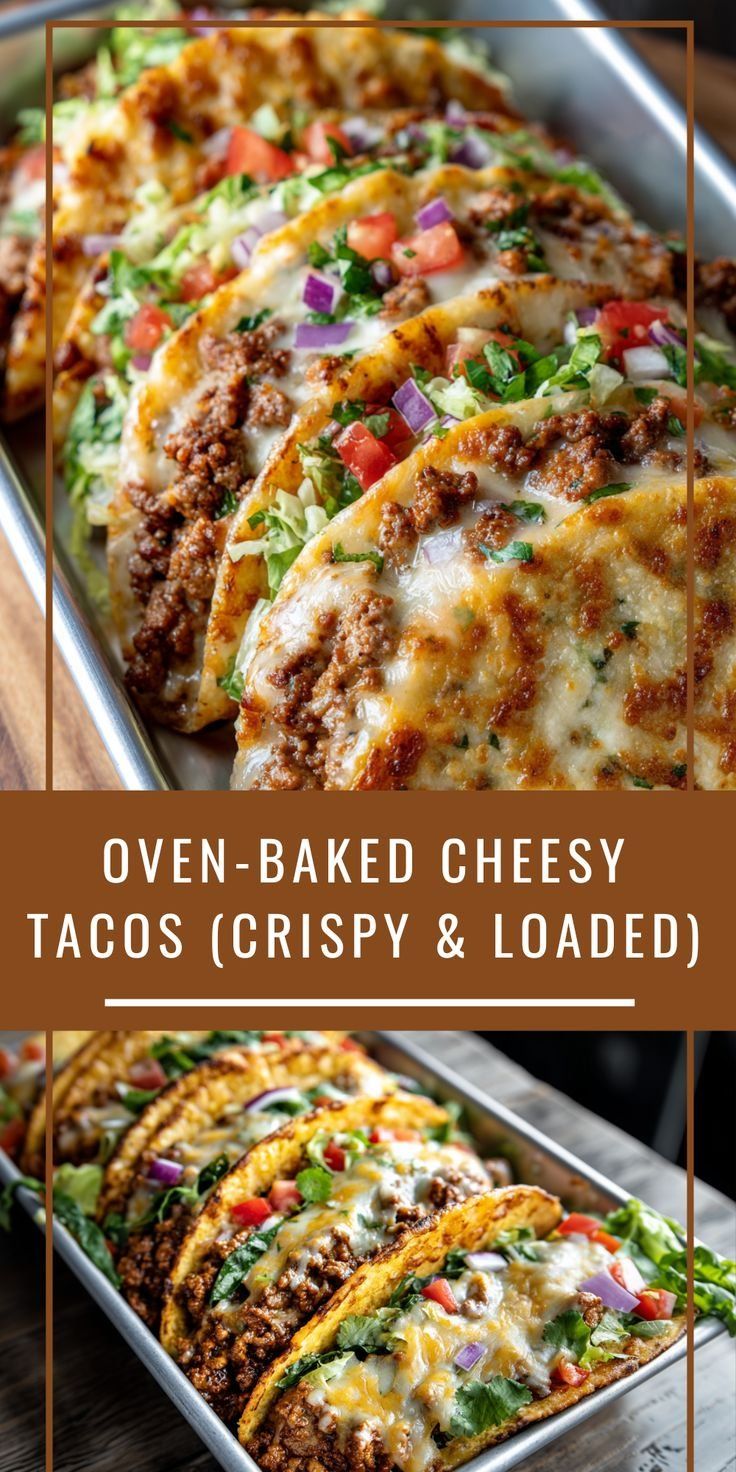
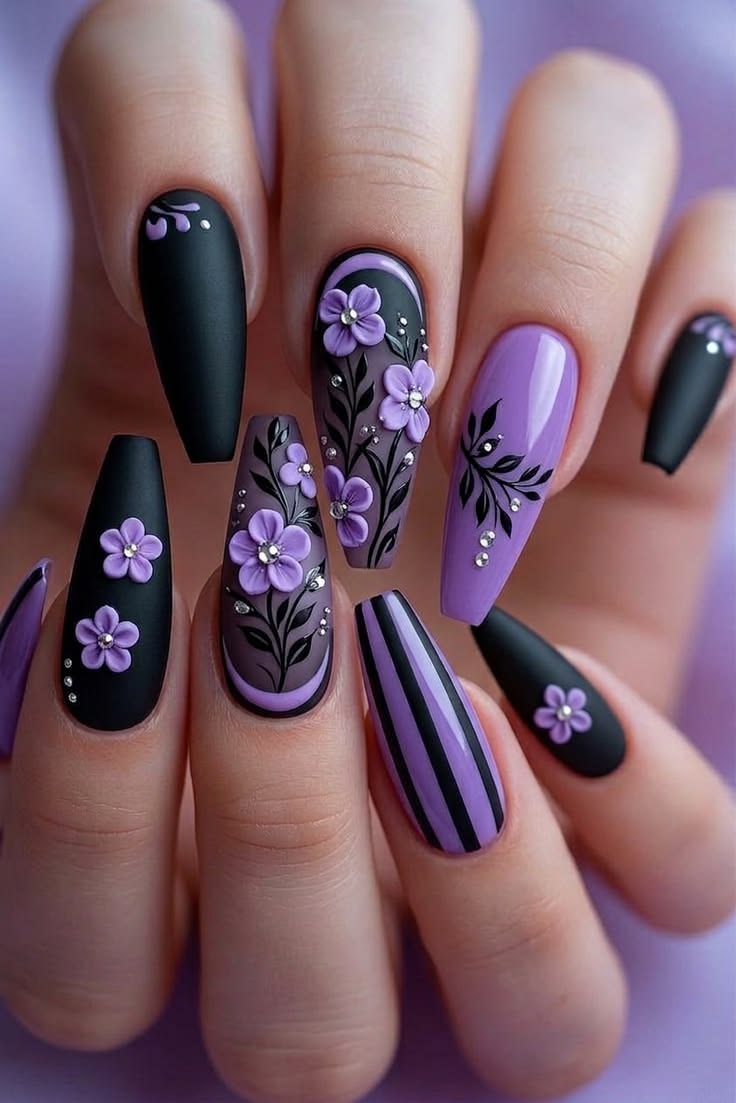
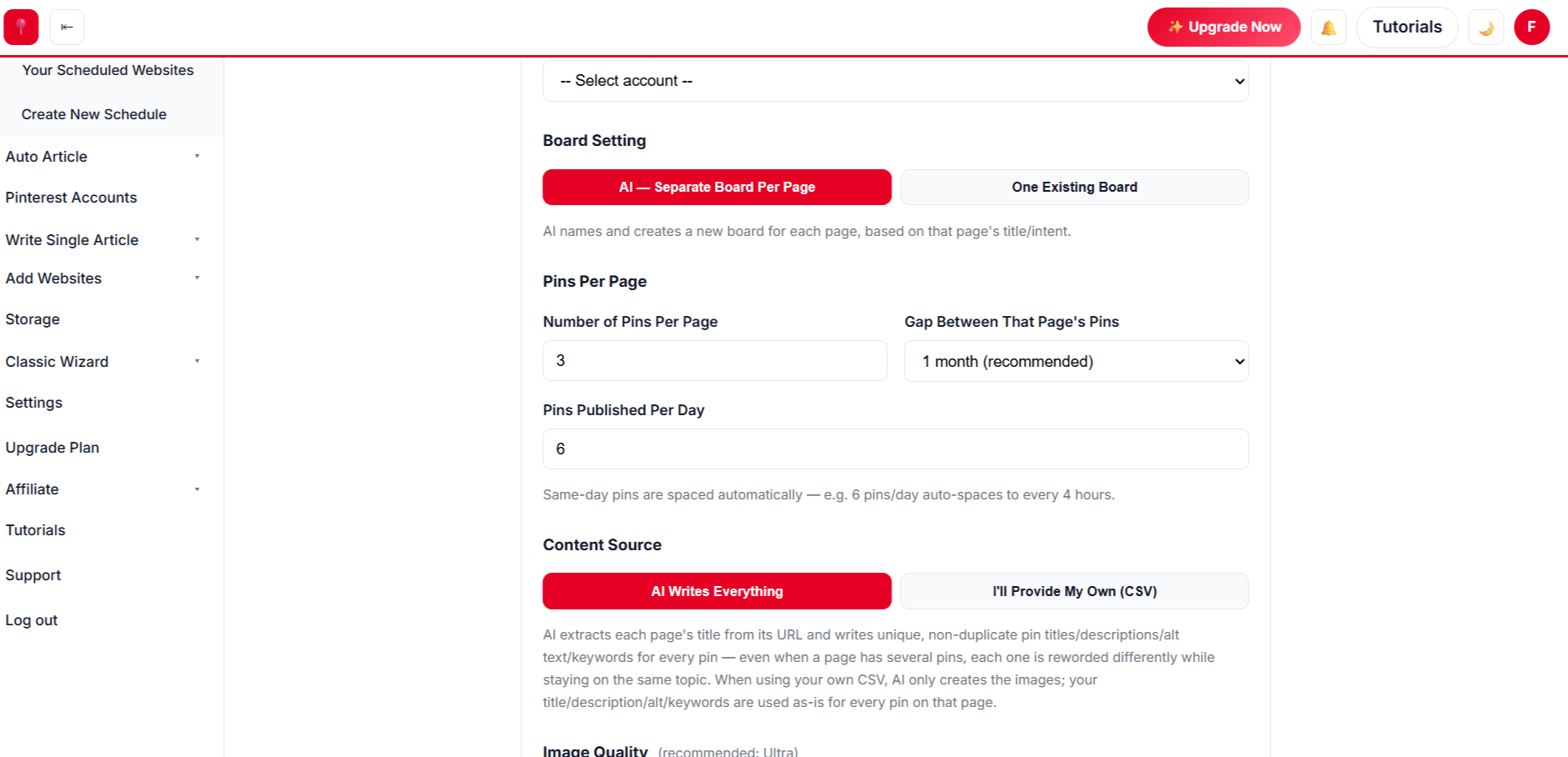
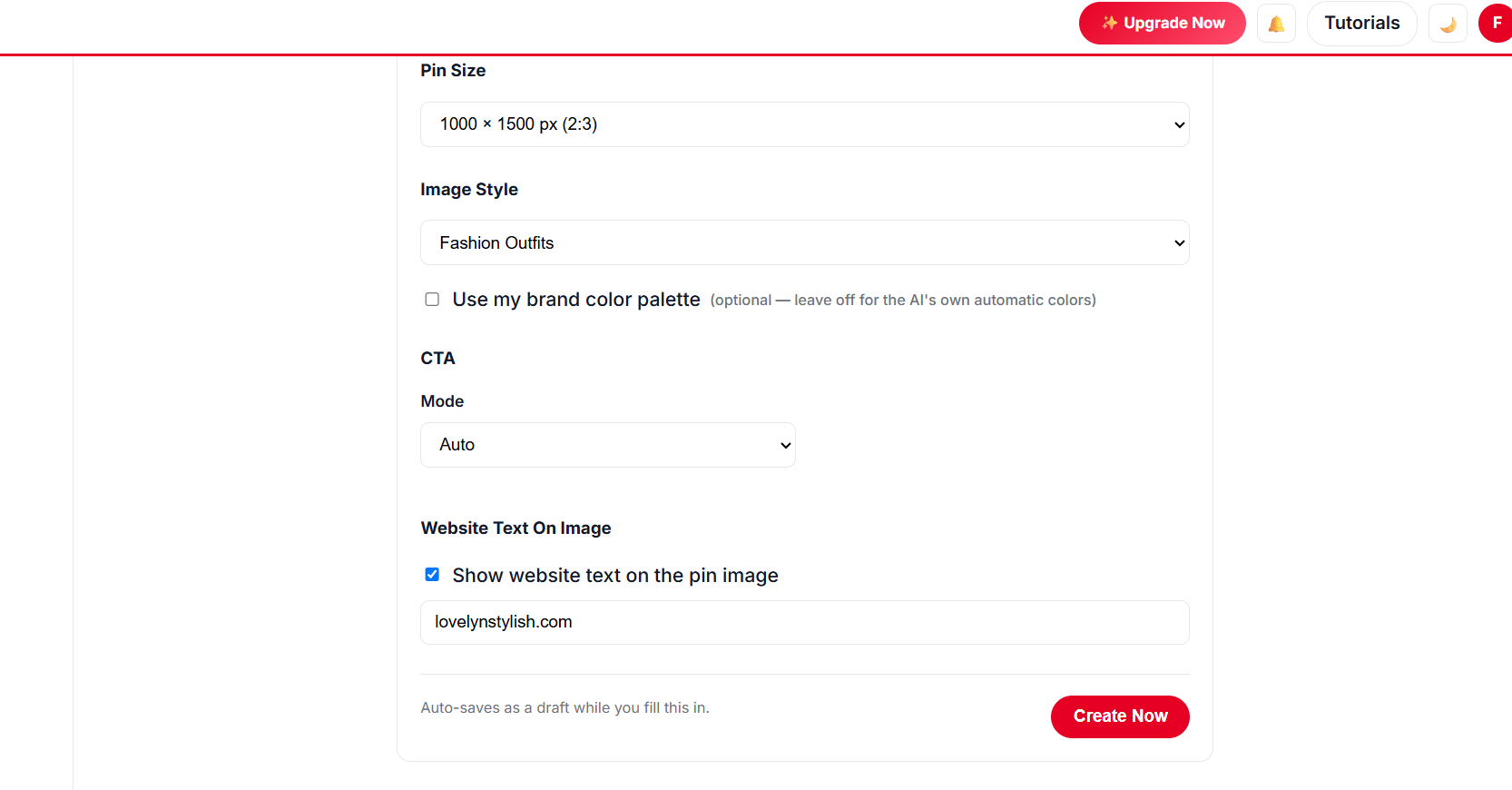
Select hundreds of posts at once. AI designs every pin from your own photos, writes the title, description, alt text and keywords, picks the board and schedules it all.
Paste a list of titles. AI writes each article with images, publishes it to your site on a daily schedule, and schedules pins for every post automatically.
Unlimited templates, colour palettes and fonts, plus a free Canva-style design editor with every premium feature — AI picks the best look for every page, so no two pins look the same.
Create Hundreds of Blog Posts With Images, Publish Them and Schedule Pins — in 1 Click
Give AI a list of titles for budgeting, saving money and frugal living. It writes every article with images, publishes to your website at the pace you choose, and schedules Pinterest pins for each post — all in the background.
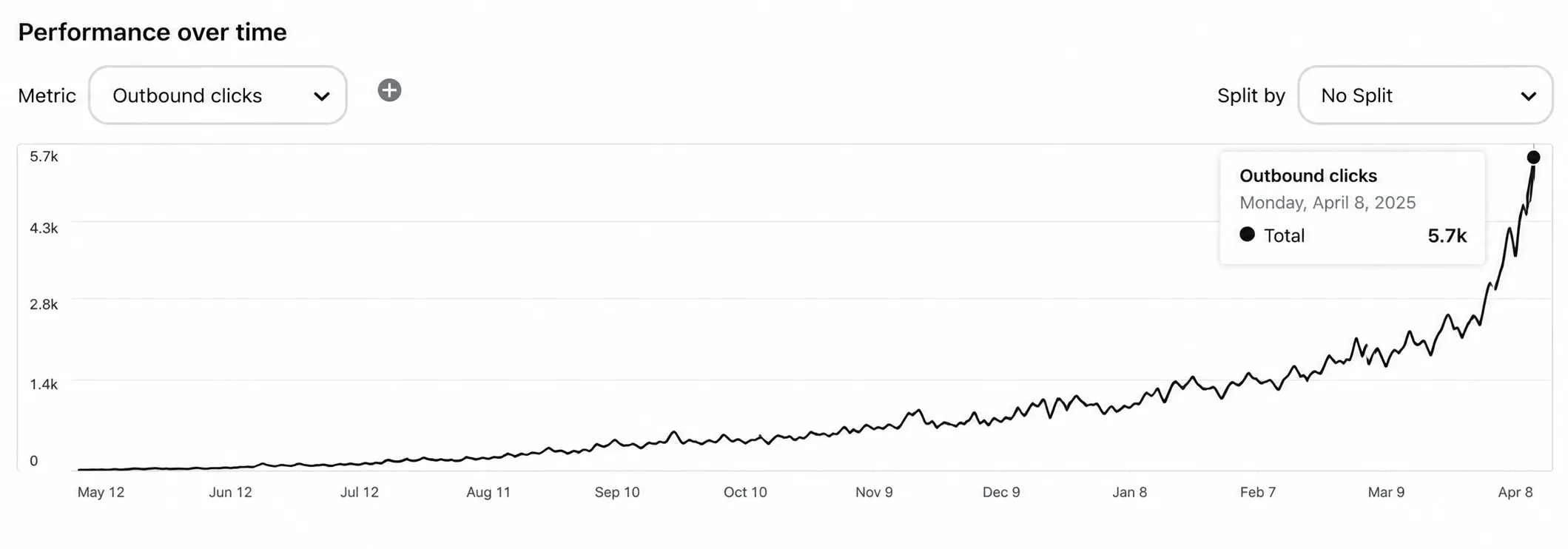
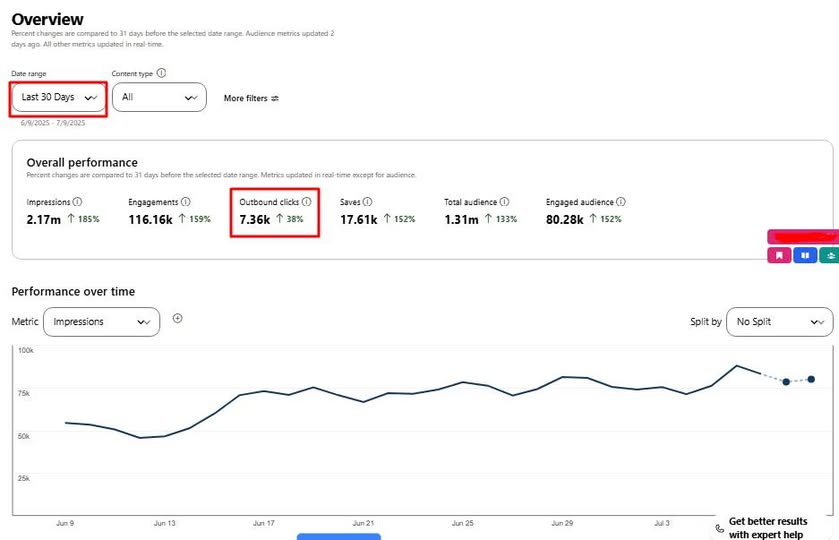
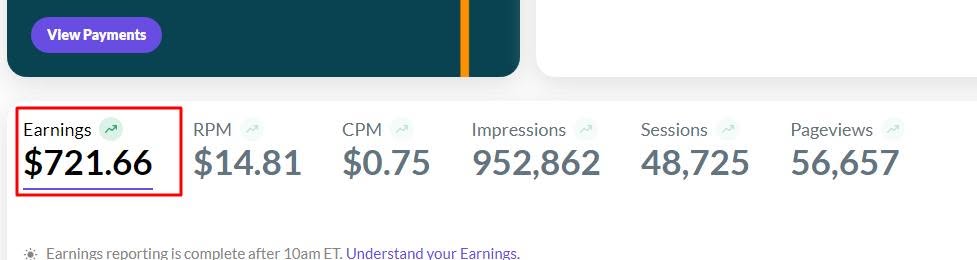
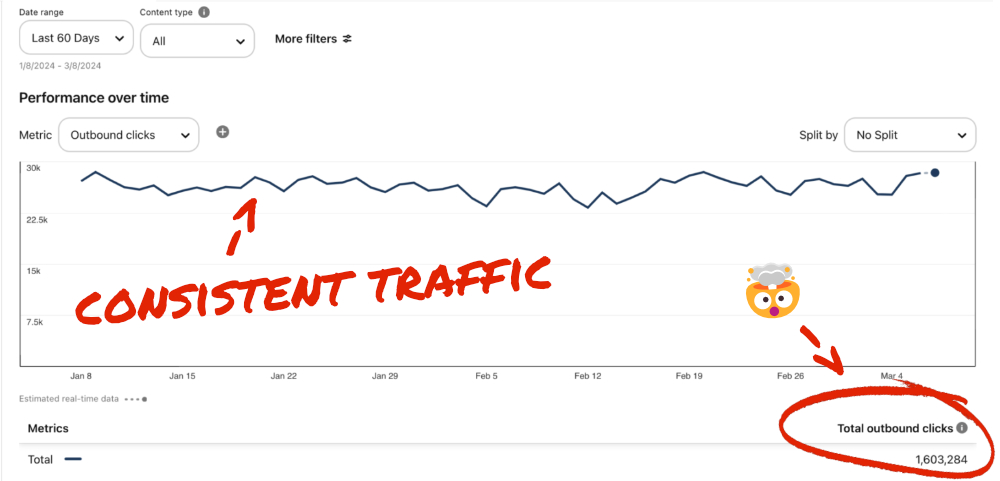
Find the posts that bring clicks and make more of them.
Up to 5x more traffic
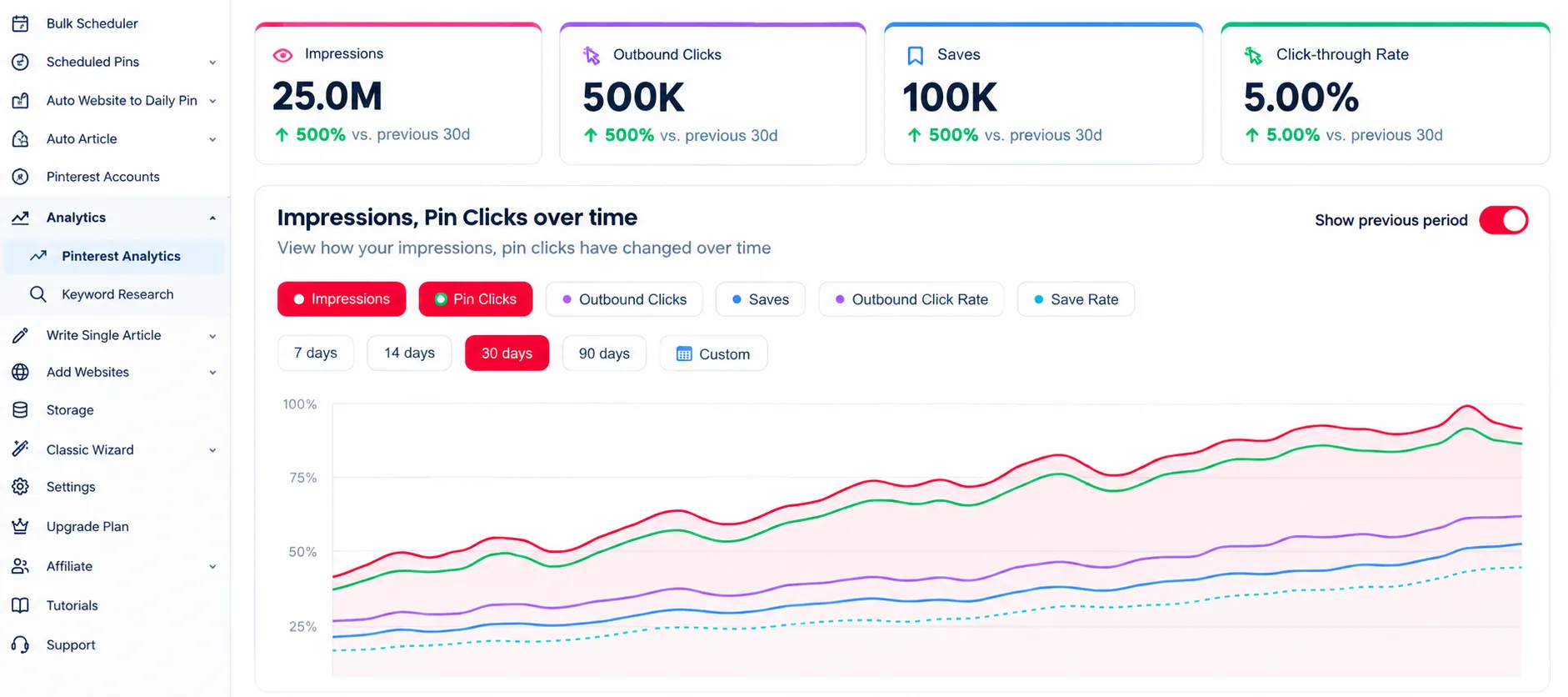
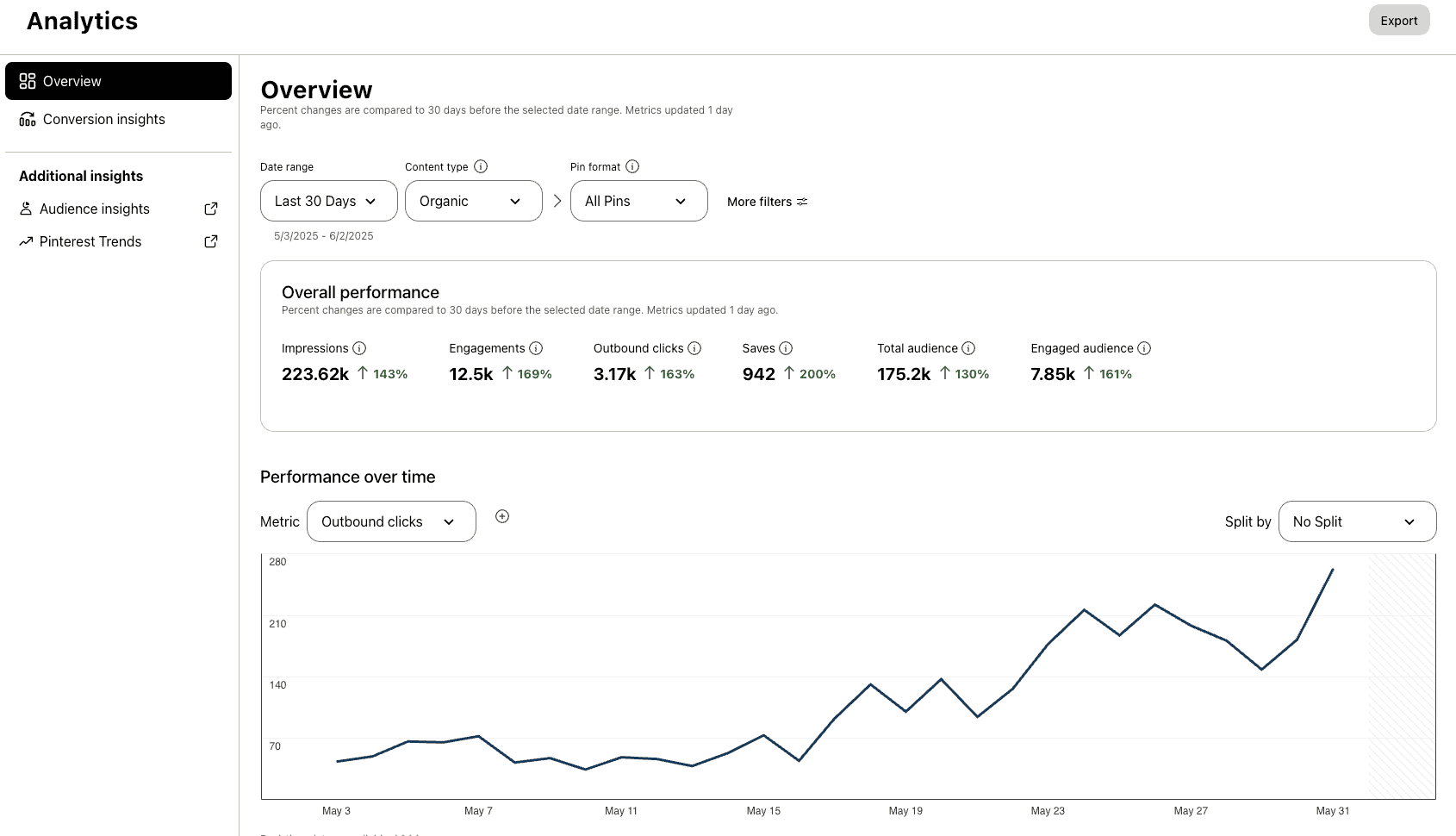
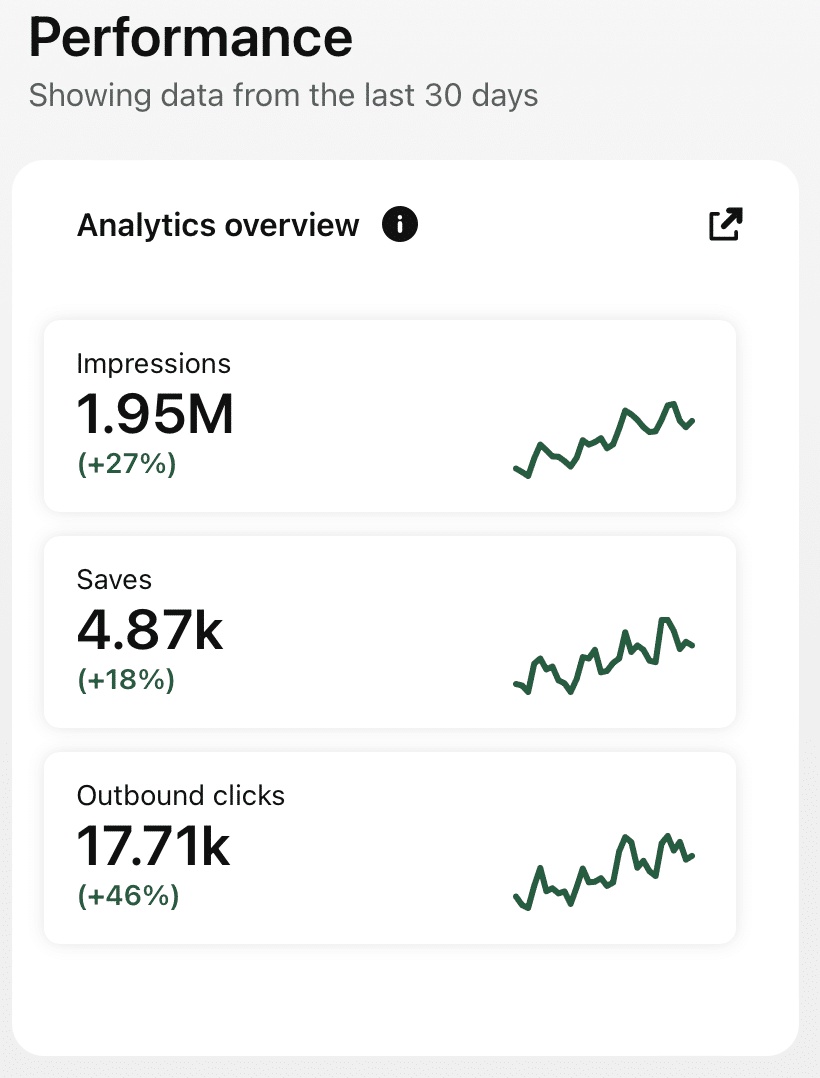
Analytics
Track clicks and saves for all your posts.
47% higher engagement
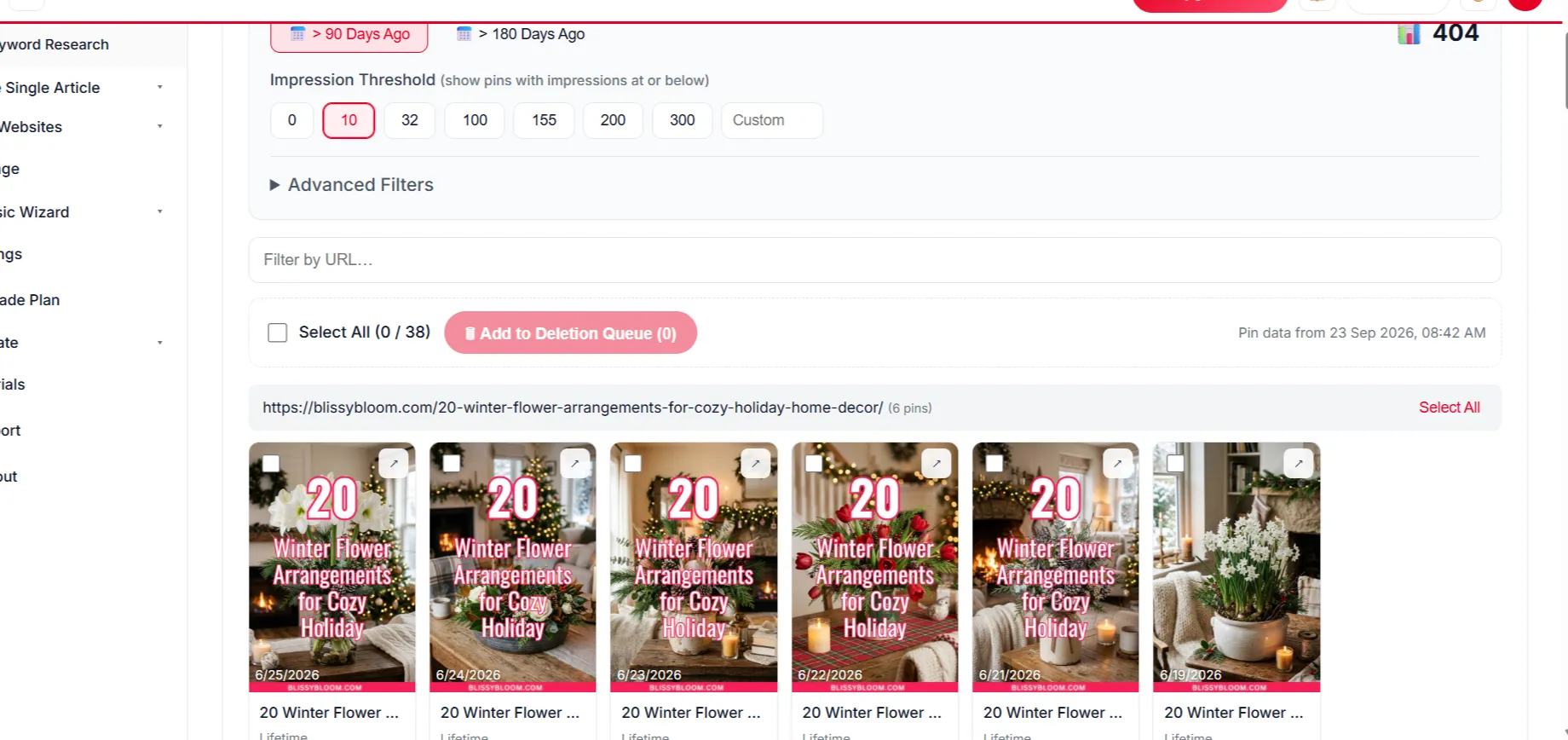
Delete Underperforming Pins
Remove weak pins to keep engagement strong.
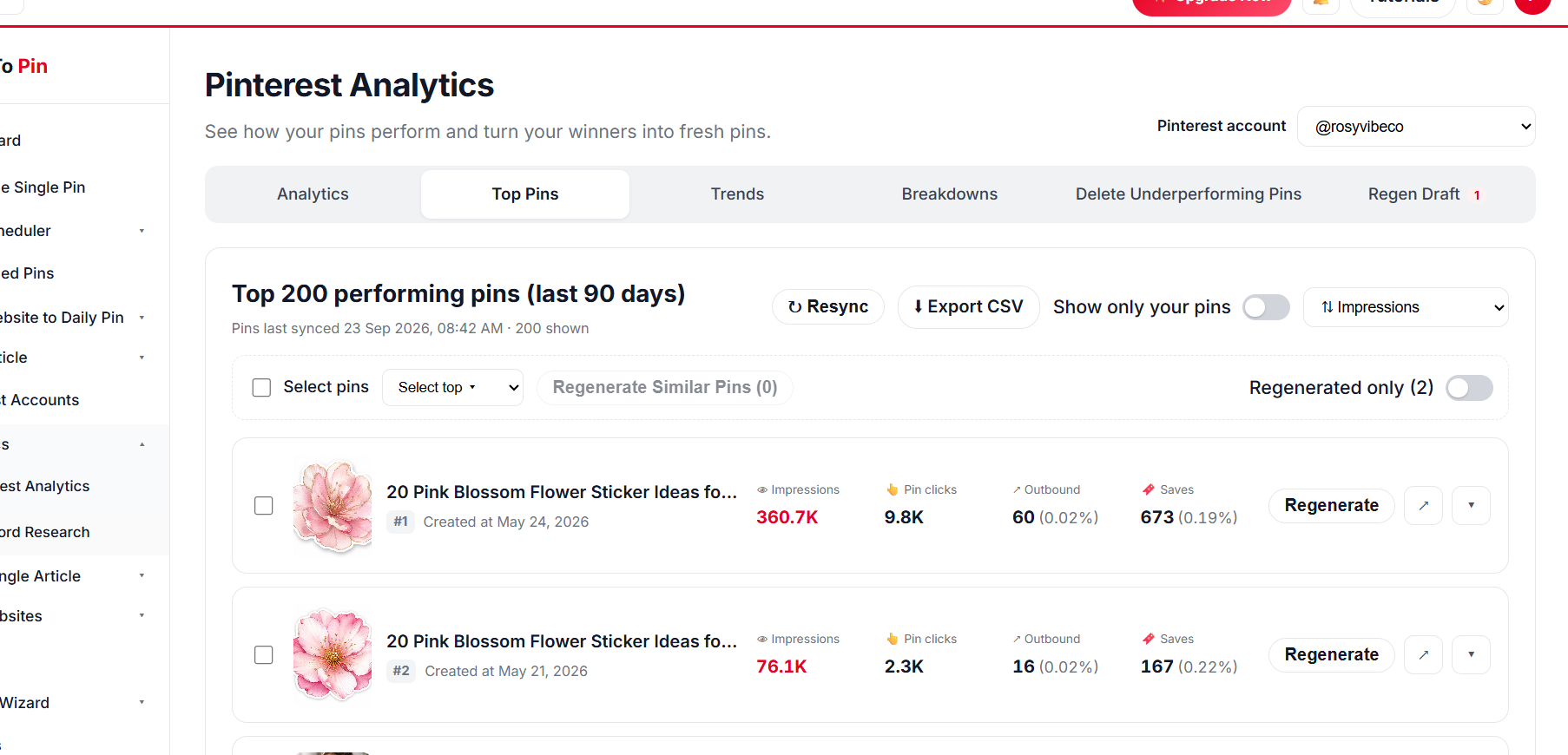
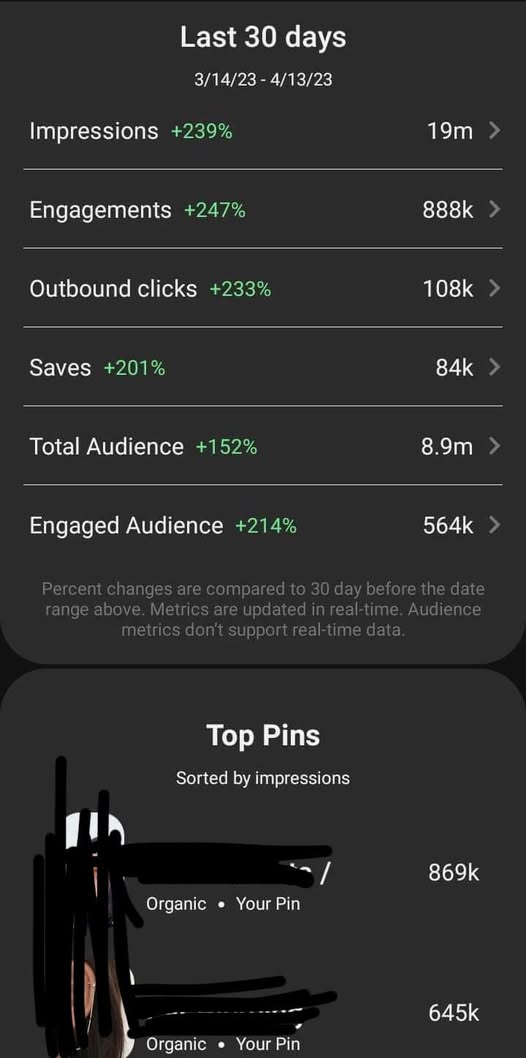
Top Pin Performance
See your top pins at a glance.
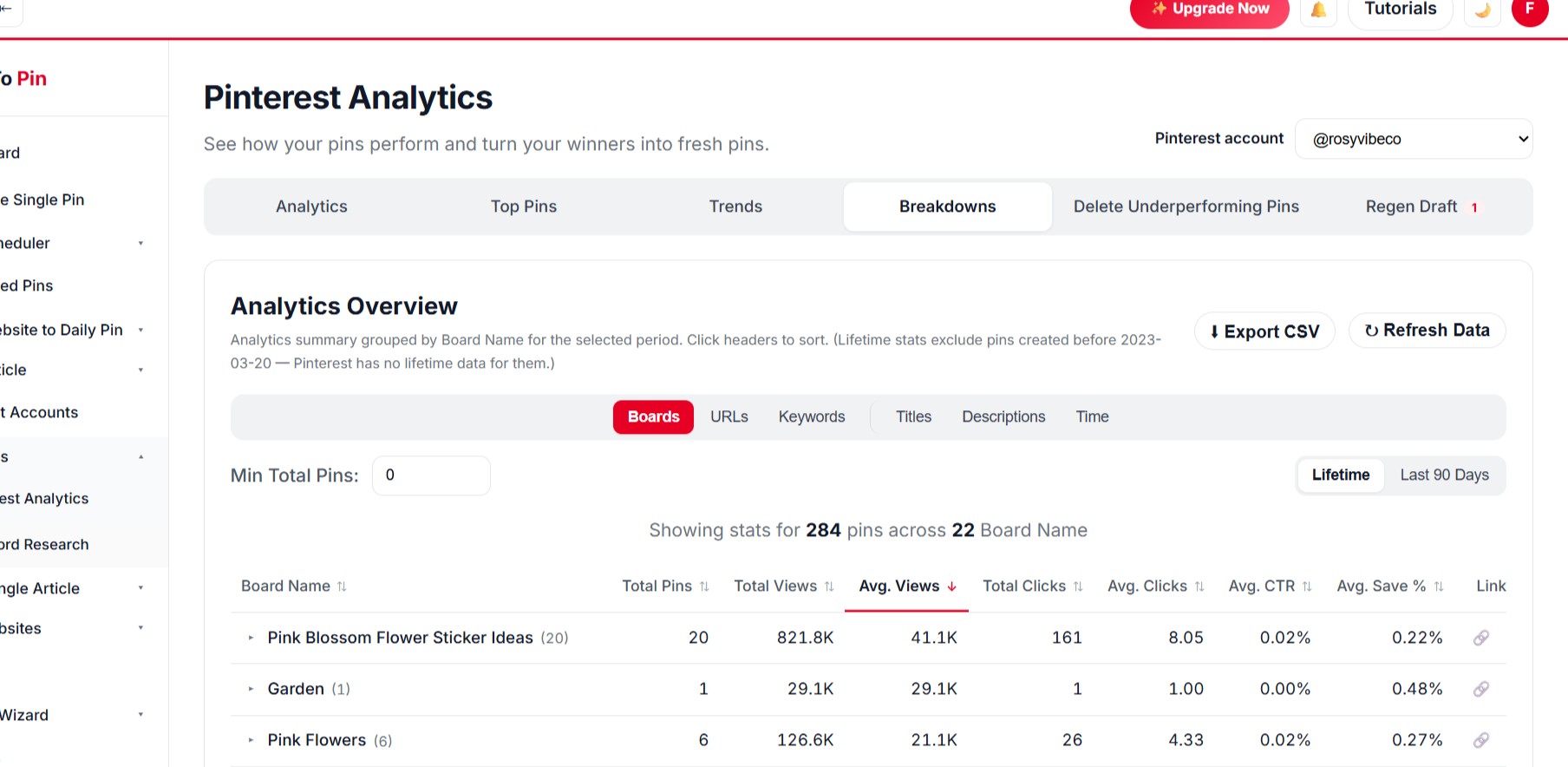
Break It Down Any Way You Want
Compare by board, URL, keyword, title and time.
BoardsURLsKeywordsTitlesDescriptionsTime
// WHO IT'S FOR
Made for money creators
Budget, frugal and personal finance creators.
Budget bloggers
Keep every tip and printable in front of savers.
Printable sellers
Pin trackers that lead to your shop.
Finance educators
Pin guides that lead to your course or newsletter.
What Our Users Say
Emily Carter
Content Creator
★★★★★
Being able to hand my assistant a login through Team Management, without giving away my own account, was exactly what I needed.
Ahmed Khan
Affiliate Marketer
★★★★★
Every new post I publish gets turned into pins automatically now. It's the closest thing to "set it and forget it" I've found for Pinterest.
Sarah Mitchell
Lifestyle Blogger
★★★★★
Bulk Pin Scheduler alone saves me hours every week. I paste in a batch of blog links and it writes the titles, descriptions, and even picks the right board — I just review and hit schedule.
Daniel Reyes
Owner, Trail & Table
★★★★★
Connected my Pinterest account in under a minute and had pins scheduled for the whole month by lunchtime. Way less fiddly than anything else I've tried.
Emily Carter
Content Creator
★★★★★
Being able to hand my assistant a login through Team Management, without giving away my own account, was exactly what I needed.
Ahmed Khan
Affiliate Marketer
★★★★★
Every new post I publish gets turned into pins automatically now. It's the closest thing to "set it and forget it" I've found for Pinterest.
Sarah Mitchell
Lifestyle Blogger
★★★★★
Bulk Pin Scheduler alone saves me hours every week. I paste in a batch of blog links and it writes the titles, descriptions, and even picks the right board — I just review and hit schedule.
Daniel Reyes
Owner, Trail & Table
★★★★★
Connected my Pinterest account in under a minute and had pins scheduled for the whole month by lunchtime. Way less fiddly than anything else I've tried.
Yes. Keep your content accurate, avoid guaranteed-results claims and add disclaimers your content needs.
Do printable trackers work as pins?
Yes — the printable preview in your post becomes the pin image.
When should I pin savings content?
All year, with extra focus from December for New-Year resets.
Can AI create pins for all my posts at once?
Yes. Select hundreds of posts in one run and approve once — AI designs every pin from your own images, writes the copy, picks the boards and schedules everything.
Can AI write and publish new posts too?
On plans that include Auto Blog, AI writes articles with images from your list of titles, publishes them to your WordPress, Shopify, Wix or custom site at your daily pace, and schedules pins for every post. Review anything factual before it goes live.
Is there a free way to try it?
Yes — use the free Pin Maker and other free tools with no account, or create a free account to start scheduling.
// FREE TOOLS
Free Pinterest Tools — No Sign-Up Needed
Try these free tools first, then put everything on autopilot.